Essential Meeting Room Equipment for Modernizing Your Workspace
.svg)
- Five items make a modern meeting room: a large flat-screen monitor, videoconferencing hardware, a whiteboard, videoconferencing software and a room booking system.
- Executives still spend 23 hours a week in meetings, and an Ifop study finds that more than half of all work meetings now take place by videoconference.
- Audio problems are the number one issue in videoconferencing, according to a study by Dialpad.
- A conference phone picks up 360-degree sound and suits large rooms; a speakerphone is more compact and fits small meetings and flexible workspaces.
- Layout, acoustics, light and network matter as much as the hardware: they decide how comfortable the meeting actually feels for remote participants.
- A summary table sets out what to install by room size, from a four-seat room to a large meeting room.
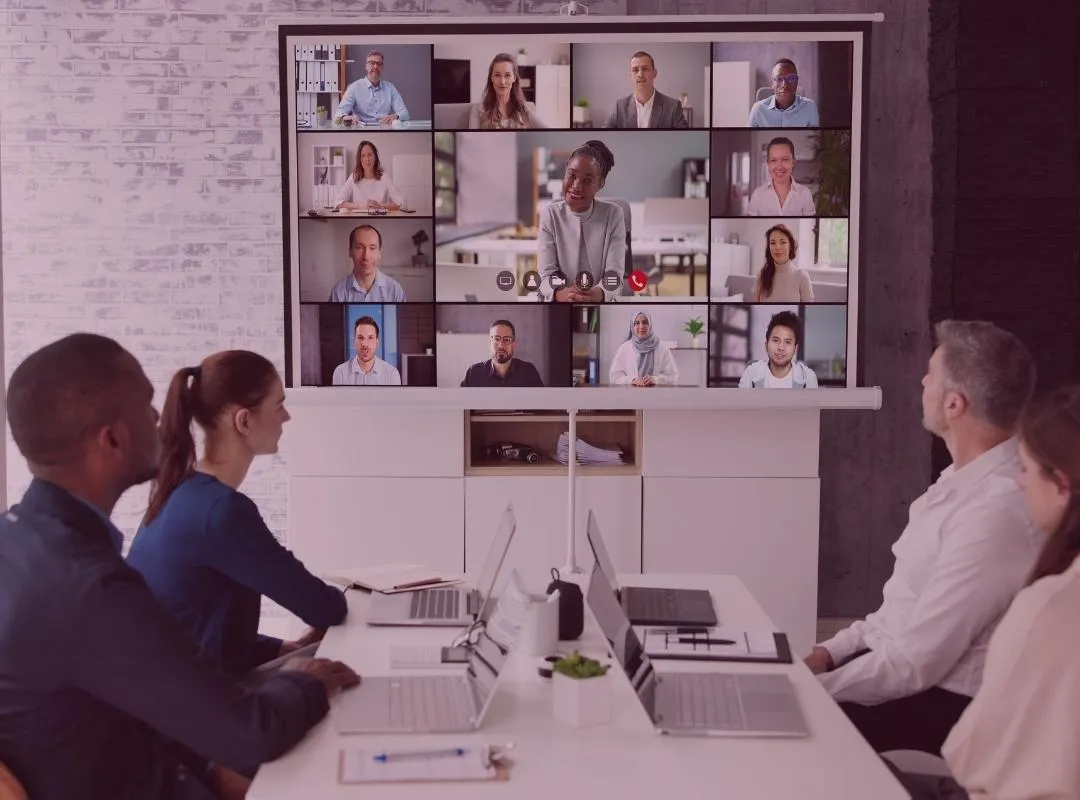
The era of hybrid working completely reshaped how we meet up. Some things haven’t changed, however, notably the amount of time spent in meetings, which remains high (23 hours a week for executives). However, the format of meetings is no longer the same: one study by Ifop reveals that more than half of all work meetings now take place by videoconference.
This evolution of meetings brings its own set of challenges for employees. Dropped calls, sound issues, background noise, difficulty taking the floor… In addition to being a source of frustration, these issues can mount up to a real loss of productivity on a daily basis. The evidence is clear: to make your videoconferencing meetings productive, it’s essential to modernize your meeting rooms and install the right equipment.
Here we’ve assembled a checklist of essential meeting room equipment for every space. Follow our checklist to transform your bleak conference room into a modern, high-tech command center: 👇
1. Monitor
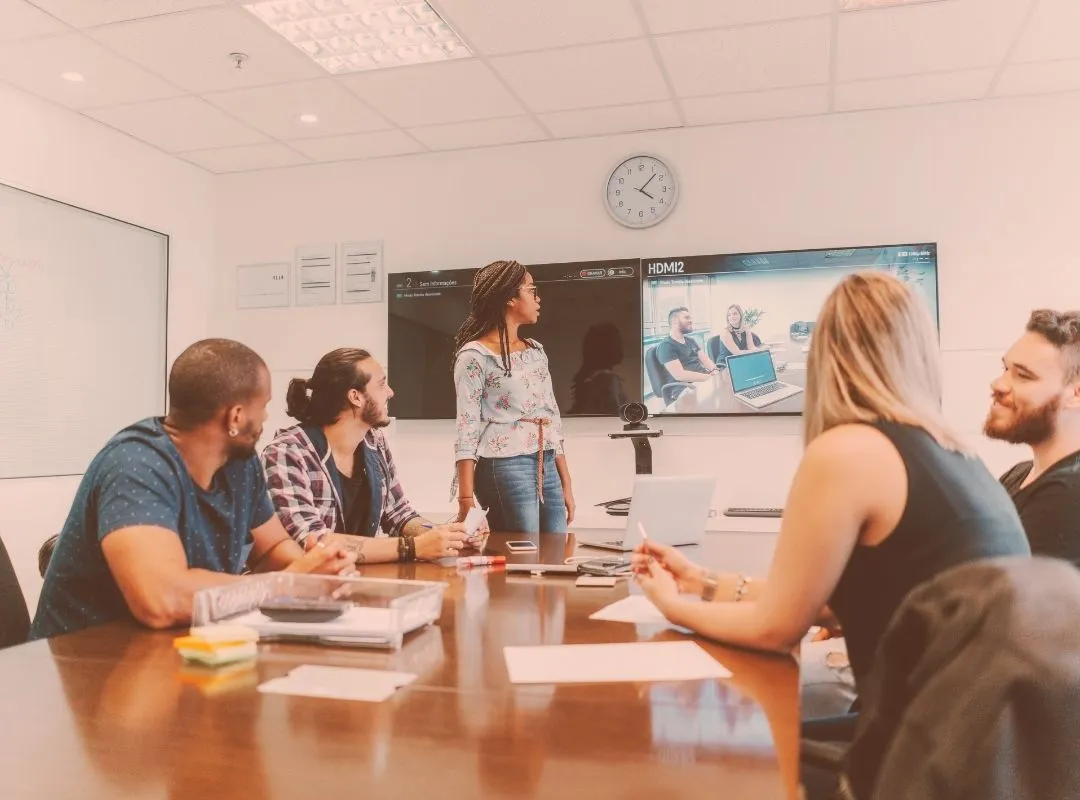
At the heart of every modern meeting room is an essential piece of equipment: a large, flat-screen monitor. During meetings, it can be used to project a presentation or share a screen via HDMI or Bluetooth. All participants can then easily view the shared information, whether they’re connected in the room or remote.
When it’s touch-sensitive, the monitor can even serve as an interactive medium (for example, you can use it to record ideas shared during brainstorming workshops).
Be sure to include this essential, central element to all your meeting rooms. We guarantee you’ll see the difference!
2. Videoconferencing equipment
For effective hybrid meetings, you also need to invest in the right videoconferencing equipment. A study by Dialpad shows that audio problems are the number one issue in videoconferencing. Here’s the meeting room equipment you need to remedy this situation:
- The conference phone: specifically designed for conferences and large gatherings. With built-in microphones that pick up 360-degree sound, it ensures that every participant, regardless of their position around the table, is heard clearly. Ideal for large meeting rooms. You can make telephone calls directly from this device.
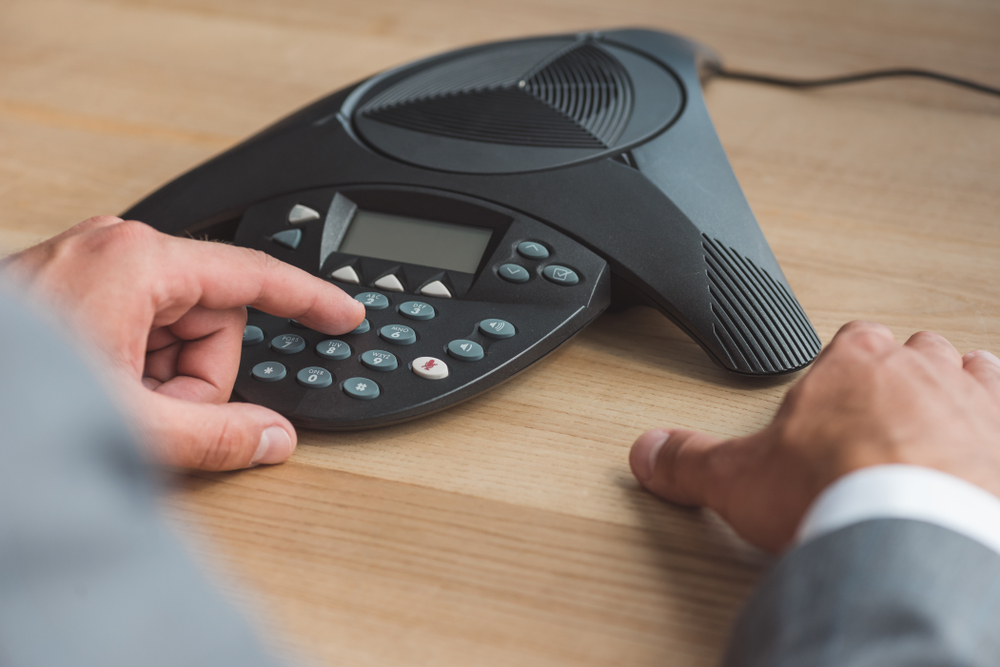
- The speakerphone: more compact than the conference phone, the speakerphone is used for both audio and video conferencing. Its range is a little more limited than the conference phone, but it offers good audio quality and is easier to transport. So, it’s perfect for small meetings or flexible workspaces.
- Wireless presentation system: this device lets you share the screen of your computer or mobile device without any cables.
- Webcam: enables remote participants to see and interact with everyone in the physical meeting room without having to be present.
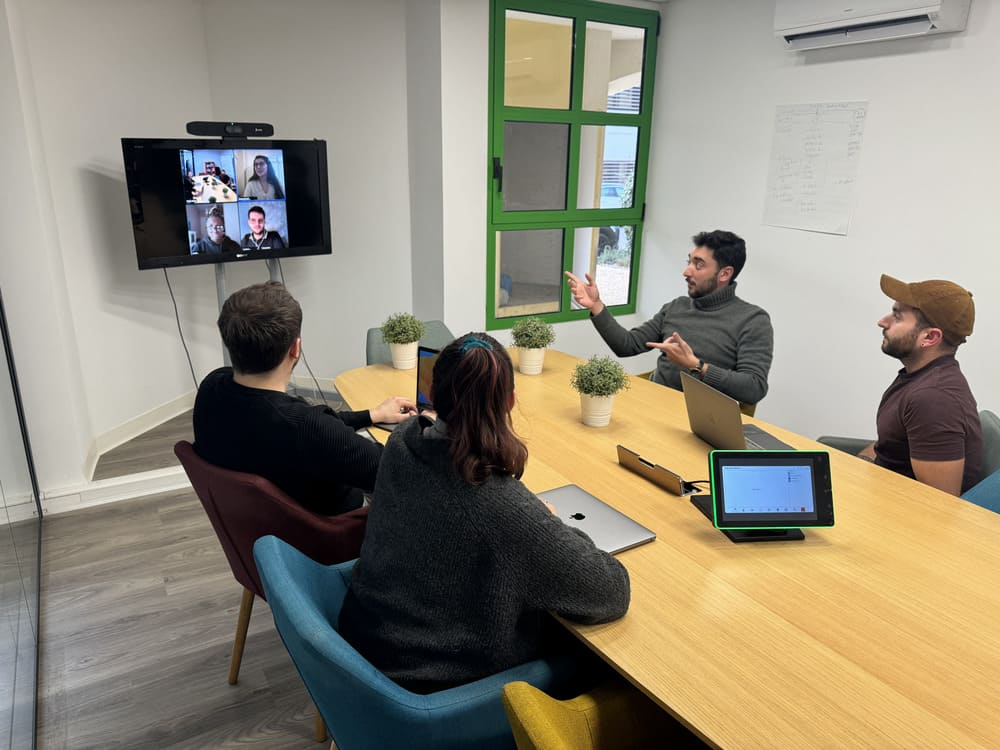
Finally, if you want to simplify the entire experience, there’s an even more comprehensive solution: an all-in-one videoconferencing setup. This is what we offer at Talkspirit, with our Meeting Rooms module. This solution includes:
- a high-quality audio system, suitable for all room sizes
- a camera connected to your videoconferencing solution
- a wireless presentation system that lets you share content directly from your device
- a touch-sensitive tablet to connect to your videoconferences at the click of a button
In concrete terms, here’s what a hybrid meeting with this equipment looks like:
Discover the Meeting Rooms module
3. The whiteboard
Sometimes all it takes is a simple piece of equipment to modernize your meeting room. Such is the case with the whiteboard: whether it’s on the wall, on an easel, or in digital format, whiteboards help you visualize and organize ideas more clearly and make your meetings livelier as people stand up and move around. They’re particularly useful for brainstorming workshops where it’s helpful to explain concepts using drawings and diagrams.
Also read: Leading a Meeting: Good and Bad Practices to Keep in Mind
If your brainstorming meetings often take place in the office, you may well opt for a traditional whiteboard. However, if these meetings take place in hybrid mode, it may be a good idea to opt for an interactive whiteboard that everyone can see and annotate, including remote participants.
4. Video conferencing software
Beyond the hardware, the choice of videoconferencing software is decisive in modernizing a meeting room. An effective solution must be intuitive, reliable, and secure. What’s more, it must offer a smooth user experience for remote and in-person participants alike.
In addition to our meeting room module, our Talkspirit platform also includes a videoconferencing functionality. This allows you to:
- customize URLs for each meeting
- hold the meetings with participants connected by telephone
- chat, share links and questions without interrupting speakers
- launch polls to quickly collect participants’ opinions
- create breakout rooms, enabling participants to exchange ideas in smaller groups
- keep track of your exchanges thanks to the recording function
The best part? Our solution is 100% ISO 27001 certified, meaning the highest possible level of security.
Want to find out more about video conferencing software? Check out our top 10 video conferencing solutions.
5. The meeting room booking system
Whether you work in your own offices or in shared offices, the problem is often the same: it’s hard to find an available meeting room when you need one! To optimize the use of these spaces, it’s important to implement an efficient, easy-to-use room reservation system. After all, the more complex it is, the less likely your employees will use and enjoy using it).
At Talkspirit, we’ve integrated this functionality directly into our Agenda module so employees don’t have to juggle multiple applications. As soon as you schedule a meeting, you can simultaneously view the availability of participants and meeting rooms, so you can find the perfect slot. A function also allows you to block reservation of specified, already booked rooms, preventing any conflicts.
What’s more, our room reservation feature works seamlessly with the rest of the features available on the platform. You can share your meeting on the newsfeed, and you’re automatically notified when a meeting is about to start.
What matters as much as the hardware: layout, acoustics and network
Those five items only deliver if the room itself plays along. This is the layer that gets left out of the budget, and it is usually the one that explains a meeting gone wrong.
- Layout: point the table at the screen and the camera, so remote participants see faces rather than profiles. Leave room to walk around the whiteboard.
- Acoustics: hard surfaces, glass, concrete, floor-to-ceiling windows, bounce sound around and wear out the people listening from home. A rug, curtains or acoustic panels often do more for audio quality than one more microphone.
- Light: a window behind the participants turns them into silhouettes on screen. Light faces from the front, and avoid pointing the camera straight at a bay window.
- Network: videoconferencing is the first thing to suffer on a saturated Wi-Fi network. An Ethernet socket in every meeting room remains the simplest and the most reliable answer.
- Cables and power: put power sockets and a screen-sharing cable within reach of the table, or the meeting will start with five minutes spent on all fours.
Also read: The Workplace as a Driver of Productivity and Employee Engagement
| Room size | What to install | What to watch out for |
|---|---|---|
| Room size2 to 4 people | What to installA screen, a speakerphone, a wide-angle webcam | What to watch out forEveryone sits close to the microphone, so there is no need to add sound sources |
| Room size6 to 10 people | What to installA large screen, an all-in-one videoconferencing setup, a whiteboard | What to watch out forCheck that the camera frames the whole table, not just the seats in the middle |
| Room sizeMore than 10 people | What to installA large-format screen, a conference phone or distributed microphones, a controllable camera | What to watch out forSound matters before picture: it is the first thing to break down as the room grows |
| Room sizeShared room or flex office | What to installA wireless presentation system and a room booking system | What to watch out forWithout visible booking, the best equipped room stays empty or gets squatted |
A final word
By now, you’re familiar with the meeting room equipment you need to modernize your workspace: a big flat-screen monitor, videoconferencing equipment and software, a whiteboard, and a meeting room booking system. And you also know that the hardware is only half the job: layout, acoustics and network decide how comfortable your hybrid meetings actually feel.
At Talkspirit, we’re convinced that proper meeting room equipment must go hand in hand with a harmonious, secure user experience that puts humans front and center, right down to choosing a platform that respects your digital sovereignty. That’s why we offer all-in-one solutions that meet the needs of modern businesses, which regularly work in hybrid mode.
Of course, we also know that equipment isn’t everything. The practices you put in place are just (if not more!) as important. Contact one of our experts for advice on how to improve the efficiency of your hybrid meetings:
FAQ
The amount of time spent in meetings remains high, at 23 hours a week for executives. What has changed is the format: one study by Ifop reveals that more than half of all work meetings now take place by videoconference.
Five items: a big flat-screen monitor, videoconferencing equipment and software, a whiteboard, and a meeting room booking system. On top of that comes the layer most budgets forget: the layout of the room, its acoustics, its light and its network.
A study by Dialpad shows that audio problems are the number one issue in videoconferencing. The article recommends a conference phone, a speakerphone, a wireless presentation system and a webcam to remedy it.
The conference phone has built-in microphones that pick up 360-degree sound, so every participant around the table is heard clearly, which suits large meeting rooms. The speakerphone is more compact and used for both audio and video conferencing, with a slightly more limited range but good audio quality and easier transport.
Custom URLs for each meeting, participants connected by telephone, chat and polls, breakout rooms that let participants exchange ideas in smaller groups, and a recording function. The solution is 100% ISO 27001 certified.
Room reservation is built into the Agenda module, so as soon as you schedule a meeting you can simultaneously view the availability of participants and meeting rooms. A function also blocks the reservation of already booked rooms to prevent conflicts.