Best Video Conferencing Software

.svg)
- Eight video conferencing solutions compared for business: Talkspirit, Microsoft Teams, Cisco Webex Meetings, GoToMeeting, Google Meet, Dialpad Meetings, Zoom and Jitsi Meet.
- Talkspirit bundles video into a full collaboration platform, with data hosted in the EU with Cloud Temple.
- Only Talkspirit and Jitsi Meet escape the vendor subject to the Cloud Act flag, a law passed in 2018.
- Jitsi Meet is free for up to 100 simultaneous participants; Zoom and Cisco Webex Meetings also offer a free plan.
- Paid plans run from €3.40 excl. tax per month to €33 per month per licence.
- Cisco Webex Meetings and GoToMeeting require a desktop app download, with no browser access.
Does team communication matter to you?
Do you see video conferencing as an essential tool to help your teams become more agile?
Are you looking to cut down on pointless in-person meetings?
Discover our top 8 best video conferencing solutions for business:
- Talkspirit
- Microsoft Teams
- Cisco Webex Meetings
- GoToMeeting
- Google Meet
- Dialpad Meetings
- Zoom
- Jitsi Meet
Then pick the one that fits you best.
1. Talkspirit
The 100% made-in-France collaborative gem that delivers far more than video
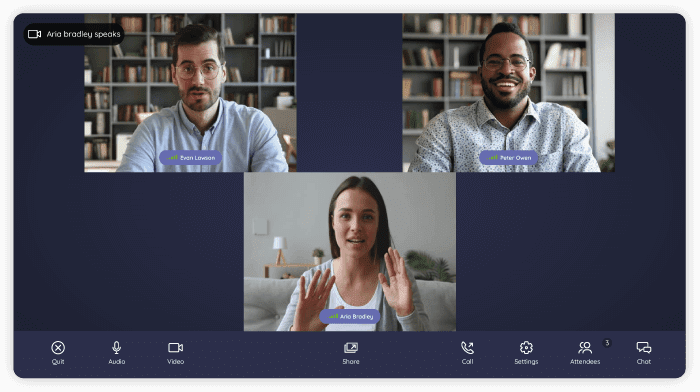
Talkspirit brings together every communication and collaboration tool your teams need day to day on a single platform. It includes a powerful video conferencing module, especially handy for saving time and launching online meetings easily, in just one click.
Key features:
- the video conferencing module includes: built-in chat, screen sharing, speaking-time tracking for participants, and a raise-your-hand option to request the floor
- the Talkspirit platform also bundles the following modules: chat, secure drive,Kanban board, shared calendar, groups, homepage, and more Learn more
- accessible without an email address
- accessible from your browser
- available on iOS and Android
- responsive customer service & user support (FR and EN), 7 days a week
- GDPR: data hosted in the EU (with Cloud Temple)
Limitations / drawbacks: Talkspirit is an all-rounder, so it isn't the ideal fit if you're only after a dedicated video conferencing service
Pricing:
- paid plans from €5 / month per user (volume discounts from 500 users and preferential terms for nonprofits)
- free trial (15 days)
- free personalized demo
2. Microsoft Teams
Microsoft's tool for running online meetings

Microsoft Teams is a collaboration hub built into the Microsoft 365 suite. Teams lets you run meetings, chats and calls easily, all from one place.
Key features:
- recording
- live captions
- screen sharing
Limitations / drawbacks:
- no email-free access available
- vendor subject to the Cloud Act *
Pricing:
- from €3.40 excl. tax for Microsoft Teams Essentials, with a freemium tier
3. Cisco Webex Meetings
The flagship enterprise solution for video conferencing and online meetings
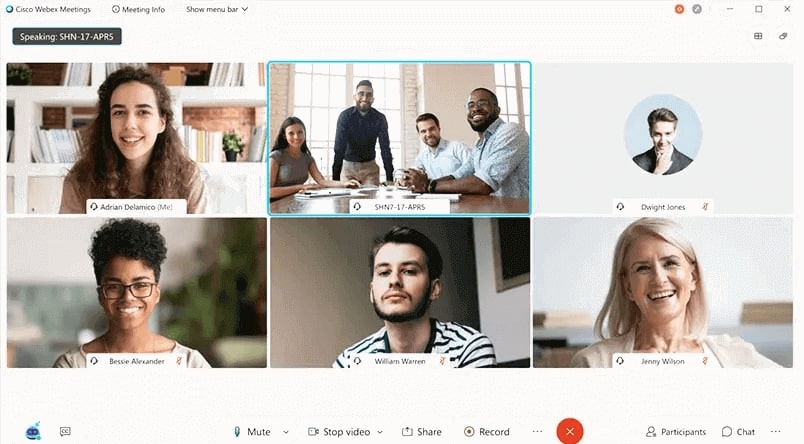
Cisco Webex Meetings is a secure, easy-to-use app for making calls, sending messages, meeting and working efficiently.
Key features:
- built-in HD video and audio
- screen sharing
- whiteboard
Limitations / drawbacks:
- bandwidth-hungry solution
- no browser access (a desktop app download is required)
- vendor subject to the Cloud Act *
Pricing:
- free plan
- the Starter plan at €12.85 excl. tax / month per host
- the Business plan at €25.65 / month per host
- the Enterprise plan available on request
4. GoToMeeting
Software for running fast, simple, no-frills video meetings
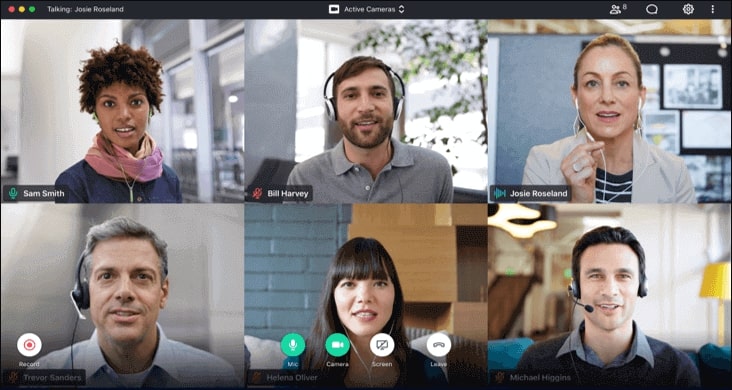
GoToMeeting delivers a fast, easy and reliable professional online meeting solution that lets clients meet face to face, share presentations and chat with colleagues.
Key features:
- built-in HD video and audio
- screen sharing
- ease of use
- mobile app
Limitations / drawbacks:
- integration ecosystem still maturing
- no browser access (a desktop app download is required)
- no way to send a meeting link straight from your platform (copy/paste required)
- vendor subject to the Cloud Act *
Pricing:
- the Professional plan at €10.75 / month per host
- the Business plan at €14.33 / month per host
- the Enterprise plan available on request
5. Google Meet
Google's secure video conferencing tool for everyone
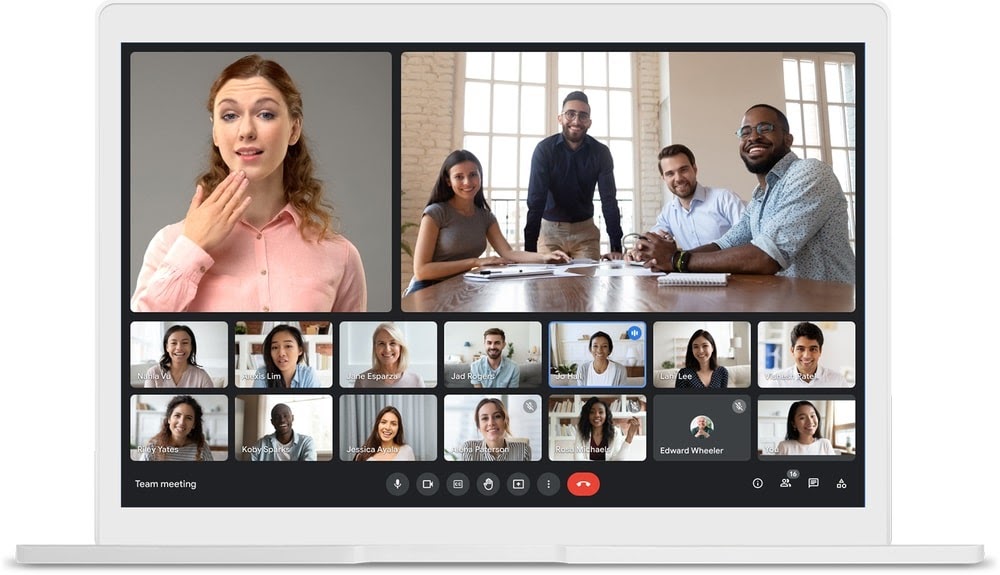
Google Meet is an enterprise video conferencing solution built on Google's high-performance, secure infrastructure and available worldwide. Meet is included in Google Workspace and Google Workspace for Education.
Key features:
- HD video and audio
- lightweight, fast interface
- join an online meeting straight from a Google Calendar event
- browser access
Limitations / drawbacks:
- tool inseparable from the wider Google Workspace collaborative suite
- integration ecosystem still maturing
- vendor subject to the Cloud Act *
Pricing:
- the Business Starter plan at €4.68 / month per user
- the Business Standard plan at €9.36 / month per user
- the Business Plus plan at €15.60 / month per user
- the Enterprise plan available on request
6. Dialpad Meetings
The AI-powered cloud communications platform
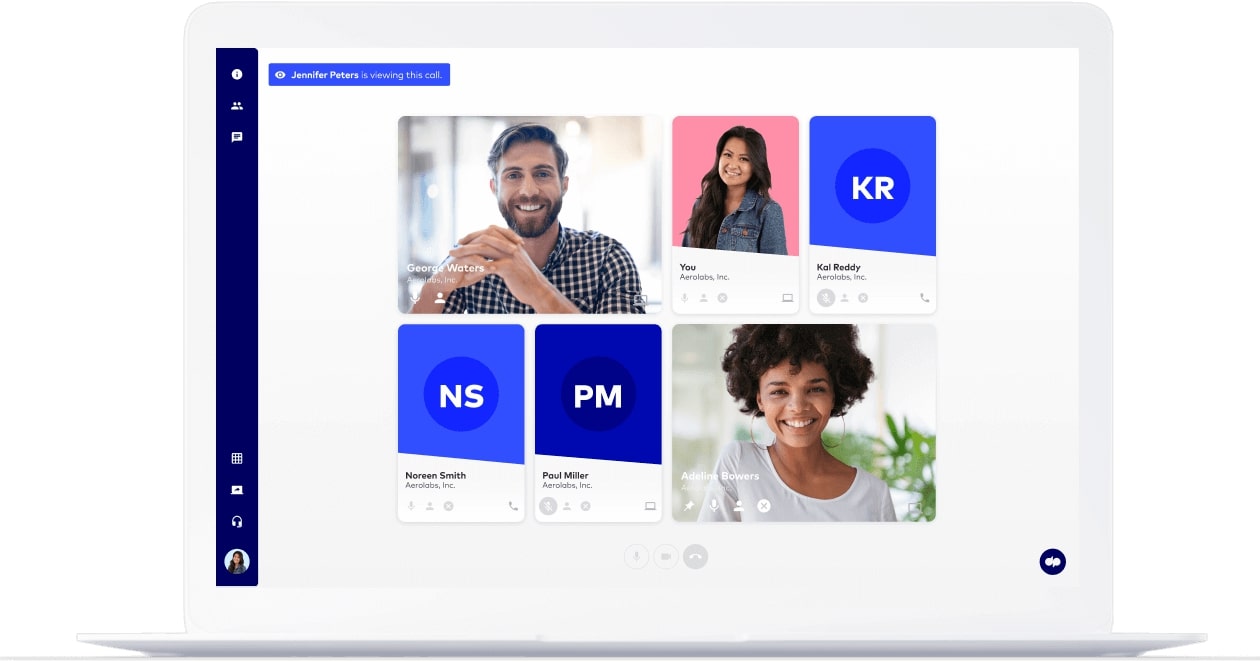
Dialpad is a unified communications platform that connects your teams through voice, video, messaging and online meetings. It offers a full suite of advanced features to help you streamline your business communications and boost productivity.
Key features:
- screen sharing
- voice intelligence
- live sentiment analysis
Limitations / drawbacks:
- technical support responsiveness could improve
- interface usability could be better
- some features appear to hit recurring issues (per user reviews)
- vendor subject to the Cloud Act *
Pricing:
- Standard plan at €15 / month per user
- Pro plan at €25 / month per user
- Enterprise plan available on request
7. Zoom
The cloud-based video and web conferencing platform

Zoom is a video conferencing and web conferencing platform that lets you run high-quality online meetings, but also share files and use group messaging.
Key features:
- built-in HD video and audio
- recordings and transcripts
- group discussions
- built-in collaboration tools
Limitations / drawbacks:
- support teams could be better
- stability of the mobile app could be improved
- vendor subject to the Cloud Act *
Pricing:
- free plan
- Pro plan at €13.99 / month per license
- Business plan at €18.99 / month per license (up to 300 participants)
- Enterprise plan at €18.99 / month per license (up to 500 participants)
- the Zoom United Business plan at €33 / month per license
8. Jitsi Meet
The free tool for hosting secure conferences
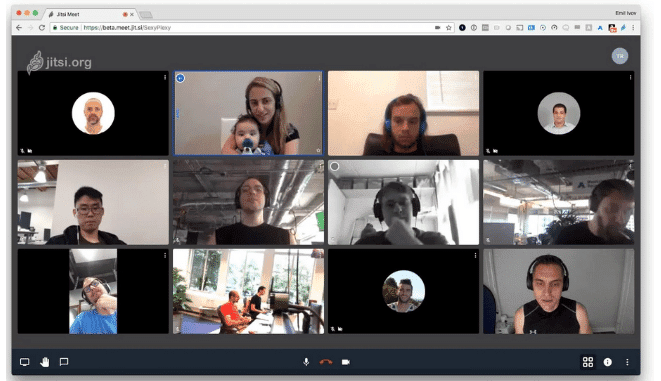
Jitsi is an open-source video conferencing tool that lets you host high-quality video and audio conferences to make remote exchanges with your teams easier.
Key features:
- HD audio and video
- free online meetings for up to 100 simultaneous participants
- multiple simultaneous screen sharing
- available on PC, Mac, mobile and tablet
Limitations / drawbacks:
- in-session chat could be improved
- server stability
Pricing: free.
*Cloud Act: a US federal law on the surveillance of personal data, passed in 2018, that compels US service providers to hand over, on request, all stored data to federal authorities, regardless of where the servers are located (even in the EU) (Source: Wikipedia)
- - - - - - - -
Now that you have everything you need, it's over to you :)
Each of these video conferencing solutions has its pros and cons. It's up to you to choose the one that best fits your organization. Be sure to take advantage of the free trials these different tools offer!
FAQ
The comparison covers eight solutions for business: Talkspirit, Microsoft Teams, Cisco Webex Meetings, GoToMeeting, Google Meet, Dialpad Meetings, Zoom and Jitsi Meet. Each one is presented with its key features, its limitations and its pricing.
The article flags the vendors subject to the Cloud Act, the US federal law passed in 2018 that compels providers to hand over stored data wherever the servers sit. Talkspirit, whose data is hosted in the EU with Cloud Temple, and the open-source Jitsi Meet carry no such flag.
Yes. Jitsi Meet is an open-source tool with free online meetings for up to 100 simultaneous participants. Zoom and Cisco Webex Meetings both offer a free plan, and Microsoft Teams Essentials comes with a freemium tier.
Listed prices start at €3.40 excl. tax per month for Microsoft Teams Essentials and at €5 per month per user for Talkspirit, with volume discounts from 500 users. The Cisco Webex Meetings Business plan is listed at €25.65 per month per host.
It depends on the tool. Talkspirit and Google Meet are accessible from your browser, and Talkspirit works even without an email address. Cisco Webex Meetings and GoToMeeting, on the other hand, require a desktop app download.
It depends on your needs. The article notes that Talkspirit brings every communication and collaboration tool teams need day to day onto a single platform, but also that this all-rounder is not the ideal fit if you are only after a dedicated video conferencing service.