Best Collaboration Tools

.svg)
- This comparison brings together 35 collaboration tools, sorted by category: collaboration suites, project management, collaborative intranets, team messaging, file storage, office suites and brainstorming.
- Collaboration suites such as Talkspirit, Microsoft 365 and Google Workspace bundle chat, video conferencing, groups and document co-editing.
- Team messaging apps such as Slack, Rocket.Chat and Mattermost focus first on instant messaging.
- Many of the vendors listed are flagged as subject to the Cloud Act, the US federal law enacted in 2018.
- Talkspirit hosts in the EU with Cloud Temple, Wimi and Whaller in France, and OnlyOffice claims 100% European hosting.
Explore our comparison of the 35 best collaboration tools that best meet the needs of companies and their teams.
Are your employees struggling to collaborate effectively from a distance?
Do you want to streamline collaboration and speed up exchanges across your company?
Are you looking for a tool to make information sharing easier and boost team productivity, wherever your teams are?
We’ve got just the solution for you!
In the age of digital transformation, collaboration is a real challenge for companies — especially those looking to explore new ways of working. As a result, more and more organizations are adopting collaboration tools to support teamwork and remote communication, cut down on internal email, and bring employees together.
There’s a huge range of collaboration tools with highly complementary features. Information sharing, project management, document storage and co-editing, chat, video conferencing, team brainstorming… The possibilities are (almost) endless!
With so many options out there, making the right choice can be tricky. To help you find your way, we’ve sorted all these solutions by category.
Here is our list of the best collaboration tools :
Collaboration suites
- Talkspirit
- Microsoft 365
- Google Workspace
- OnlyOffice Workspace
- Jamespot
- Jalios
- eXo Platform
Project management tools
- Monday
- WIMI
- Trello
- Asana
- Confluence
- Wrike
- Basecamp
Collaborative intranets
- Lumapps
- Jive
- Jostle
- Happeo
- Whaller
Team messaging apps
- Microsoft Teams
- Slack
- Google Chat
- Rocket.Chat
- Mattermost
File storage and sharing tools
- Google Drive
- Dropbox
- OneDrive
- WeTransfer
Office suites
- Microsoft Office
- Google Docs
- OnlyOffice Docs
Brainstorming tools
- Klaxoon
- Stormboard
- Mindmeister
- Coggle
Find out which solution best meets your teams’ collaboration and communication challenges.
Collaboration suites
1. Talkspirit
The all-in-one platform that simplifies information sharing, energizes exchanges, and streamlines collaboration.
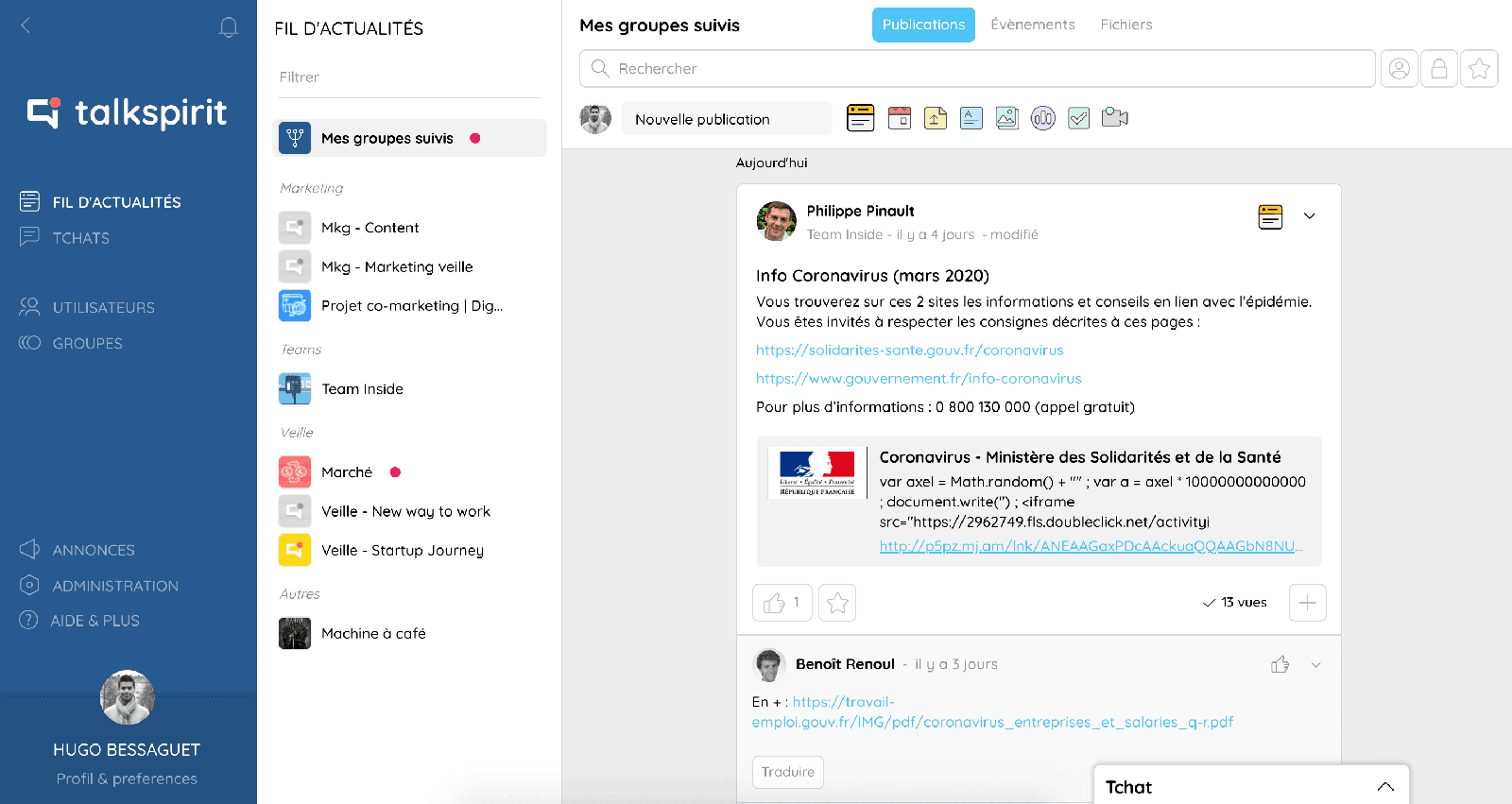
Talkspirit is a collaborative tool that is secure and 100% made in France, helping you improve your internal communication, make information flow more easily, and simplify teamwork. The platform includes a wide range of features for remote collaboration: chat, video conferencing, groups, sharing and co-editing of office documents, polls, checklists… It’s designed for companies (SMEs and mid-market firms), nonprofits, and public bodies. Among its clients: Gîtes de France, CEA, Eckès Granini, Armée de Terre ...
Key features:
- complete “all-in-one” platform to work and communicate
- easy to learn and use
- centralization of internal resources (directory, org chart, documents, etc.)
- real-time document co-editing
- multi-domain, email-free access to bring together ALL of your employees
- responsive customer service & user support (FR and EN), 7 days a week
- available in 8 languages
- GDPR: data hosted in the EU (with Cloud Temple)
Drawbacks:
- Talkspirit is a versatile solution that may not be ideal if you’re looking to address a single, specific need.
Pricing:
- paid plans starting at €5 / month per user. Volume discounts from 500 users. Preferential terms for nonprofits.
- 15-day free trial
- free, personalized demo
In 2022, Talkspirit was named the number-one collaboration tool by the GetApp ranking (Gartner group).
Read user reviews of Talkspirit.
2. Microsoft 365
The productivity cloud that goes everywhere with you, securely.
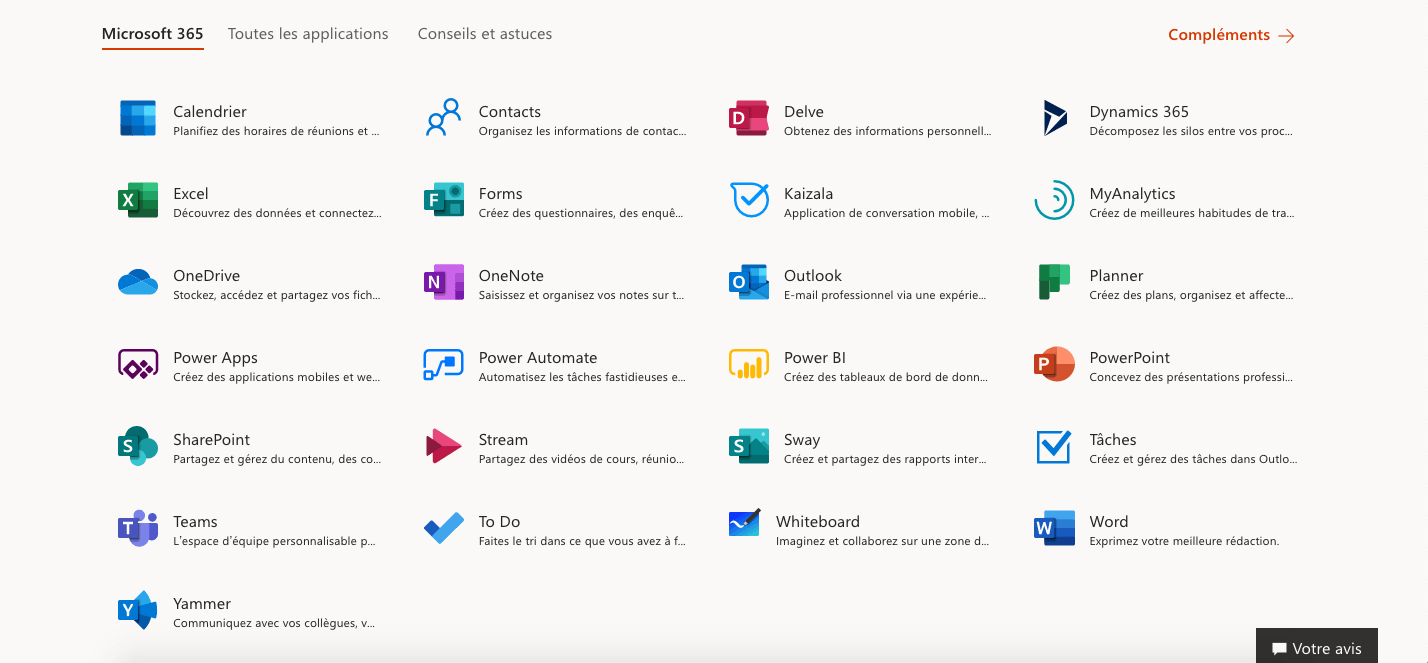
Microsoft 365 (ex-Office 365) is a collaborative tool based in the cloud that bundles a suite of apps including Word, Excel, PowerPoint, Teams, SharePoint, OneDrive, and Exchange. The office suite lets teams create, store, edit, and share files and documents. You can also connect distributed teams through a shared calendar, instant messaging, and video conferencing tools.
Key features:
- familiar interface
- office suite online and on desktop
- real-time document co-editing with multiple people
- access to all Microsoft apps across multiple devices
- unified messaging and communications
- synchronization of team and individual content
Drawbacks:
- access only to the web and mobile versions of Office apps on the Business Basic plan (no desktop download)
- vendor subject to the Cloud Act *
Pricing: starting at €4.20 / month per user, with a 30-day free trial
3. Google Workspace
Google’s integrated suite of cloud collaboration and productivity apps.
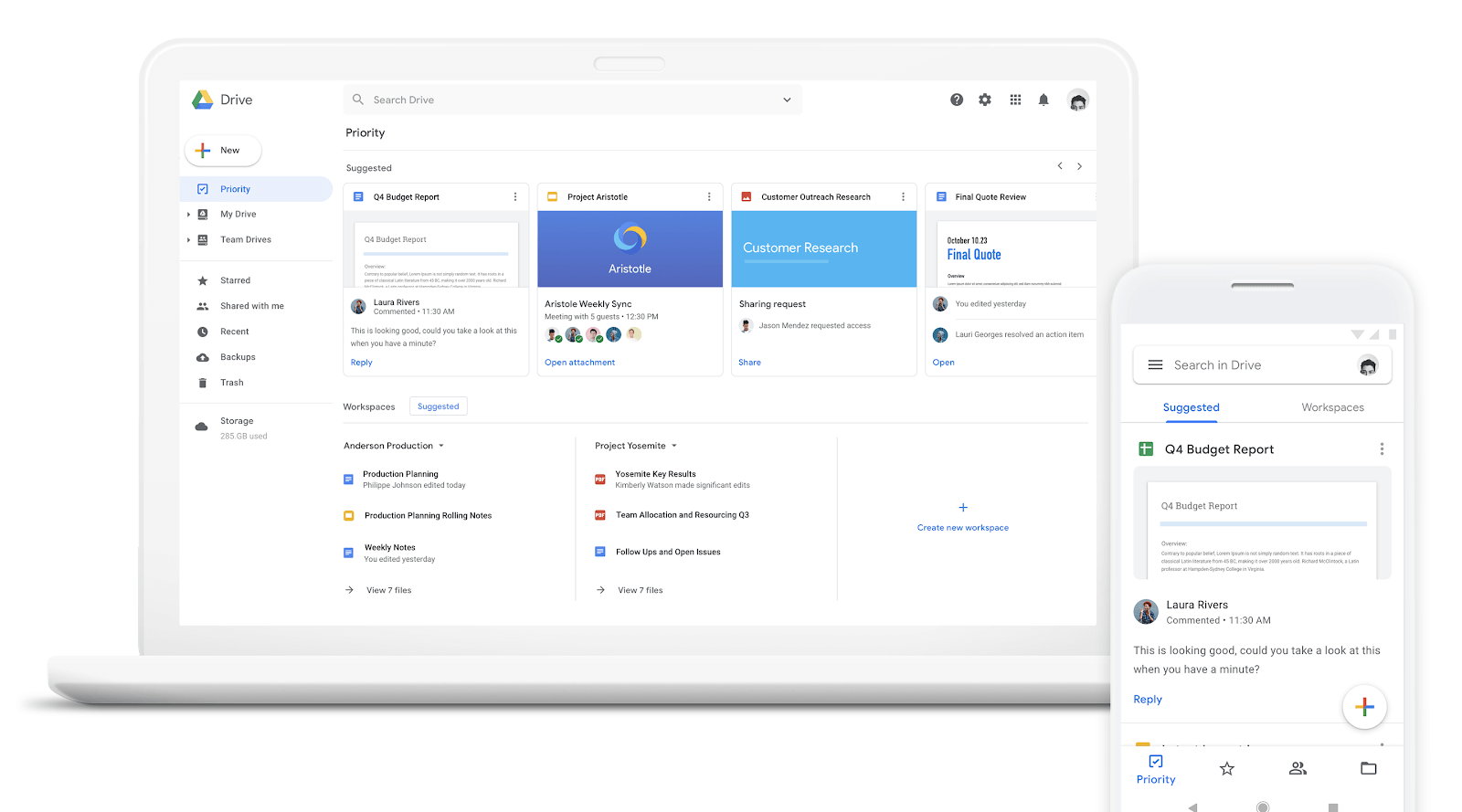
Google Workspace (formerly G Suite) is a collaboration suite that brings together all of Google’s productivity and collaboration tools: Gmail, Calendar, Meet, Chat, and more. The built-in office suite (which includes Google Docs, Sheets, and Slides) lets users collaborate on documents together.
Key features:
- shared calendar
- file storage and sharing on Drive
- simplified document search
- automatic saving of changes
- document creation, sharing, and co-editing in your browser
- compatible with Microsoft 365 documents and PDFs
Drawbacks:
- available online only
- vendor subject to the Cloud Act *
Pricing: starting at $6 / month per user, with a 14-day free trial
4. OnlyOffice Workspace
The complete productivity suite that makes workplace collaboration easier.
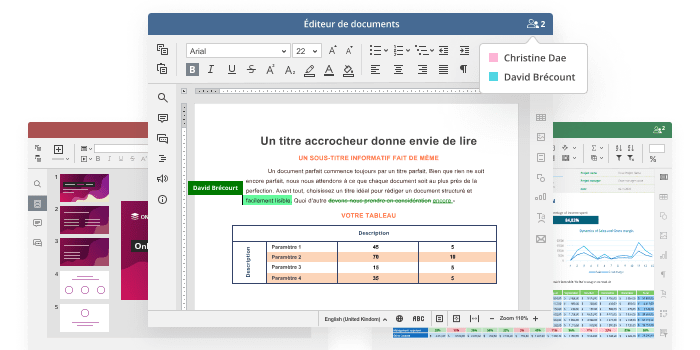
OnlyOffice Workspace is an all-in-one productivity suite for collaborating on shared documents, communicating via chat or email, and managing all your business processes. Fully compatible with Microsoft Office, the platform lets you create, share, and co-write text documents, presentations, and spreadsheets.
Key features:
- document collaboration with version history
- real-time communication via instant messaging
- flexible document access permissions
- available as SaaS or self-hosted
- several review and co-editing modes
- 100% European hosting
Drawbacks:
- some documents can be slow to load
- storage space varies by pricing plan
- no free version
Pricing: starting at €70 / month for 11 to 20 users (SaaS version), with a 30-day free trial
5. Jamespot
The collaborative platform for building collective intelligence within your teams.
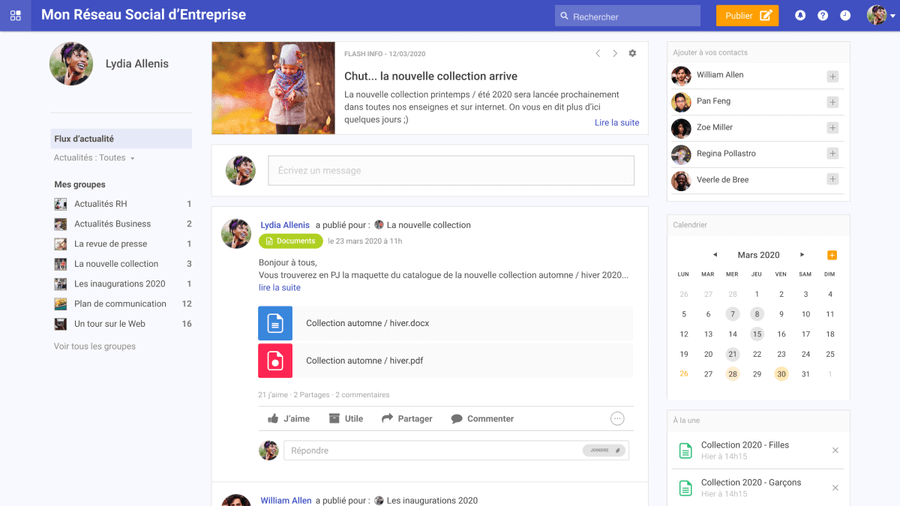
Jamespot is a collaborative tool that helps boost the productivity of teams by encouraging and simplifying the sharing of information and knowledge, making day-to-day project management more agile.
Key features:
- ready-to-use customizable platform
- modular, with many downloadable in-house apps (which can also be a drawback)
- ability to set up custom workflows
- development, hosting, and customer service 100% French
Drawbacks:
- modules must be downloaded to access certain features
- technical support needed to fully leverage the platform’s flexibility.
- analytics features still to be developed
Pricing: starting at €4 / month per user, with a 30-day free trial of the premium version.
6. Jalios
The digital workplace for collaborating and communicating more effectively from a distance.
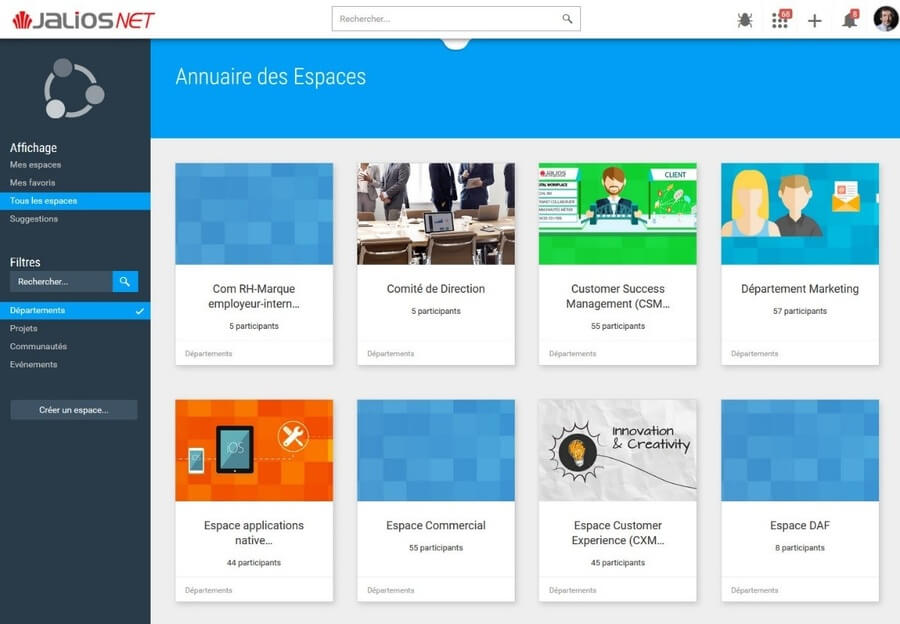
JPlatform is the collaborative intranet and digital workplace solution from French vendor Jalios, designed to let everyone organize their workspace, build business apps, streamline task management, and communicate both synchronously and asynchronously. This all-in-one platform also offers several features to connect employees: communities, blogs, suggestion boxes, a directory, profile pages, and more.
Key features:
- several communication channels: newsletter, documents, alerts, urgent messages, video, internal TV
- available as SaaS and on premise
- a personalized workspace with several business apps
- document sharing and editing, with version management
- creation of a knowledge catalog with Social Learning
- task management with Kanban view
- integration with Office 365
Drawbacks:
- training required to use some of the features
- pricing on a quote basis only (no online purchase)
- no live video
Pricing: Jalios Workplace MS 365 Edition plan at €5 excl. VAT / user per month
7. eXo Platform
The employee-centric digital workplace that adapts to your needs.
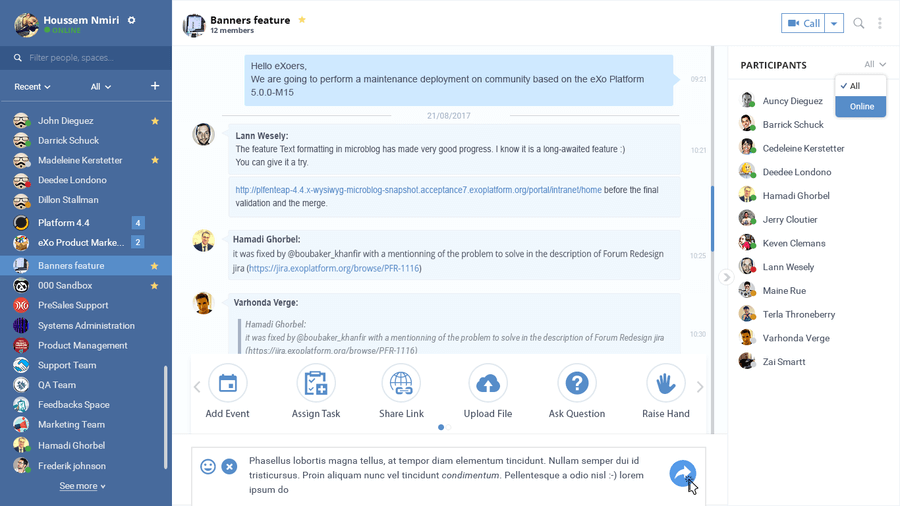
eXo Platform is a French digital platform that strengthens communication, collaboration, and knowledge sharing between employees to improve their performance and engagement. This collaboration tool also makes peer recognition easier between colleagues through several gamification features.
Key features:
- personalized news feed
- creation of project spaces and interest communities
- internal knowledge base to centralize expertise
- document sharing and co-editing within each space
- access to business apps and processes
- gamification: leaderboards, kudos, and a points system convertible into virtual currency
Drawbacks:
- no free trial available
- user interface that could be improved
- deploying the platform can take time
- user guide available in English only
Pricing: starting at €4 / month per user (for at least 100 users)
Project management tools
8. Monday
The ideal platform to plan, organize, and track your teams’ work.
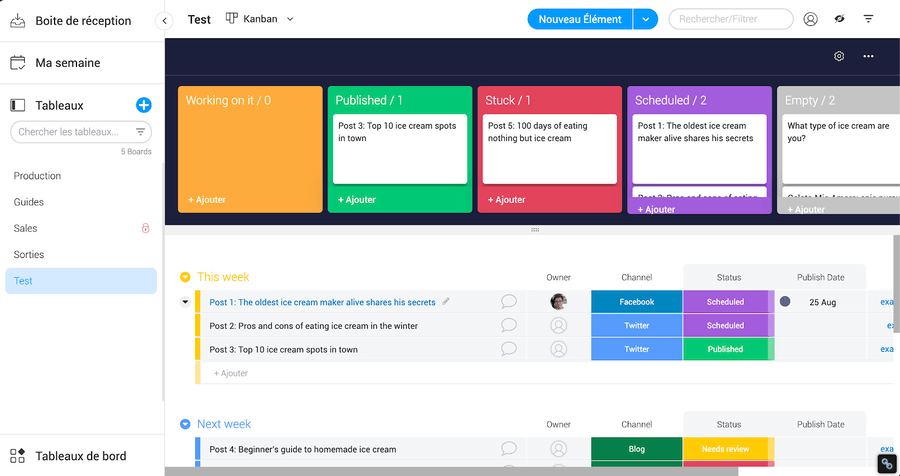
Monday is a collaboration and project management tool based in the cloud that lets teams of all sizes plan and complete their tasks in one place. Users can create shared or private boards, and set up automated actions to save time.
Key features:
- fully customizable platform
- dashboards with widgets for an overview of your projects
- option to invite your clients and partners onto the platform
- several board views: Kanban, calendar, chart, file, and more
- Gantt chart creation
- Google Workspace, Outlook, and Slack integrations
Drawbacks:
- no way to assign comments to team members
- limited task dependencies
- pricing that’s unfavorable for SMEs and large companies
- data hosted in the United States
Pricing: starting at €8 / month per user, with a 14-day free trial
9. Wimi
The software for simple, effective project management!
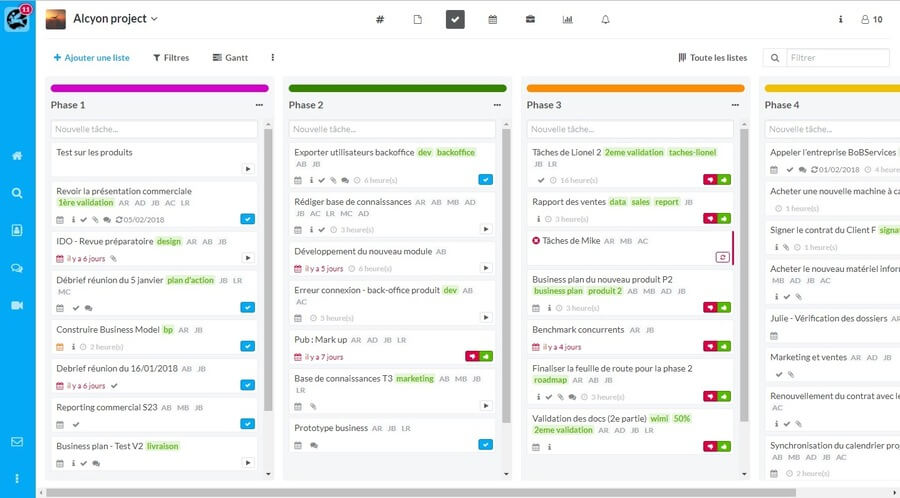
Wimi is the project management solution that brings employees together around essential tools to centralize information and increase productivity. The collaborative tool notably includes video conferencing, chat, document sharing, and a Gantt chart.
Key features:
- all-in-one project management solution
- secure Drive
- fine-grained access rights management
- enhanced security (WIMI armored)
- free, unlimited guest invitations
- data hosted in France
Drawbacks:
- no news feed
- limited access to internal resources (directory, org chart, etc.)
- storage limited to between 10 GB and 500 GB, depending on the plan
- high pricing
- a collaboration tool not well suited to day-to-day information sharing
Pricing: starting at €3 / month per user.
10. Trello
The tool to manage all your collaborative projects effectively.
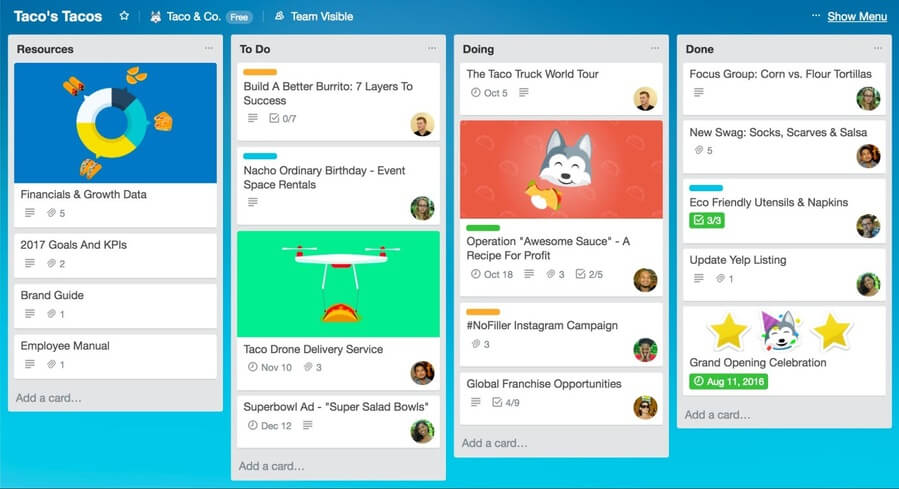
Trello is a collaborative task management tool inspired by the Kanban methodology that lets you organize your projects into boards, lists, and cards. The platform also lets you add integrations — known as power-ups — to boost productivity.
Key features:
- ease of use
- task management with Kanban boards
- checklist creation and task assignment
- adding due dates and custom fields
- over 100 power-ups on the premium version
Drawbacks:
- not suited to very complex projects
- no chat
- only one power-up can be connected on the free version
- vendor subject to the Cloud Act *
- high pricing for the premium version
Pricing: starting at $12.50 / month per user, with a free version
11. Asana
The software that lets you manage your team projects with ease.
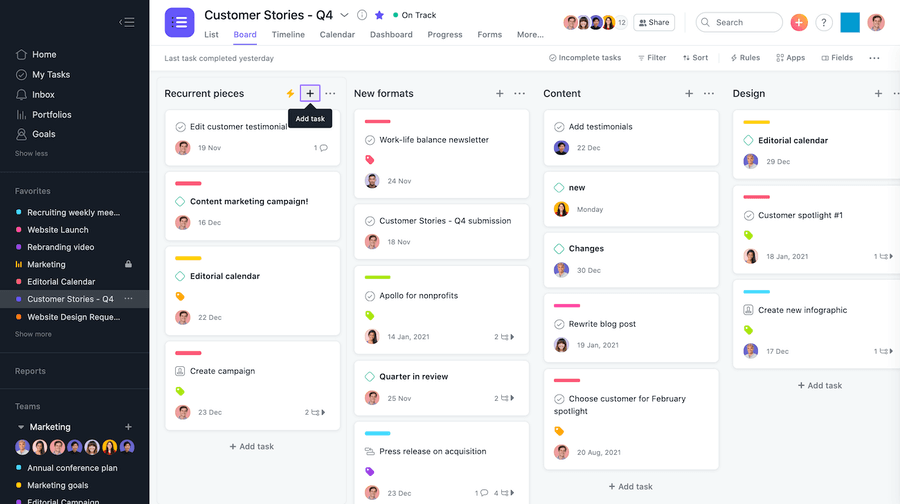
Asana is a productivity tool that lets you manage your projects and resources in an agile way while hitting your goals. A true collaborative hub, the platform gives you an overview of your work and centralizes information through document sharing, a task manager, and over 100 integrations.
Key features:
- creation of goals, tasks, and checklists with progress tracking
- task interdependencies
- workload management
- team discussions
- three available views: board, list, timeline
- synchronization with Google Workspace and Microsoft 365
Drawbacks:
- vendor subject to the Cloud Act *
- doesn’t cover complex workflows
- no built-in instant messaging
- no resource or cost management
Pricing: starting at €10.99 / month per user, with a free version
12. Confluence
The tailored team workspace, ideal for remote work.
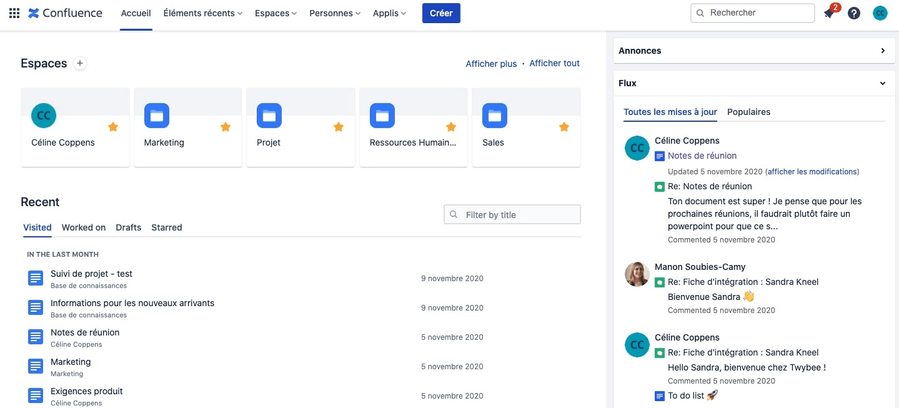
Confluence is a collaborative tool for content creation and structured page layout. You can also react live and collaborate from anywhere using the mobile app.
Key features:
- many features for online content creation
- geared toward project management and team workspaces
- flexibility of use
- integration with other Atlassian tools
- technical robustness
- a very active community (500 plugins)
Drawbacks:
- few team communication and conversation features
- social aspect not given enough emphasis
- training needed to use the platform
- short free trial (7 days)
Pricing: starting at $5.5 / month per user, with a free version and a 7-day free trial.
13. Wrike
The versatile project management software that improves your teams’ productivity and efficiency.
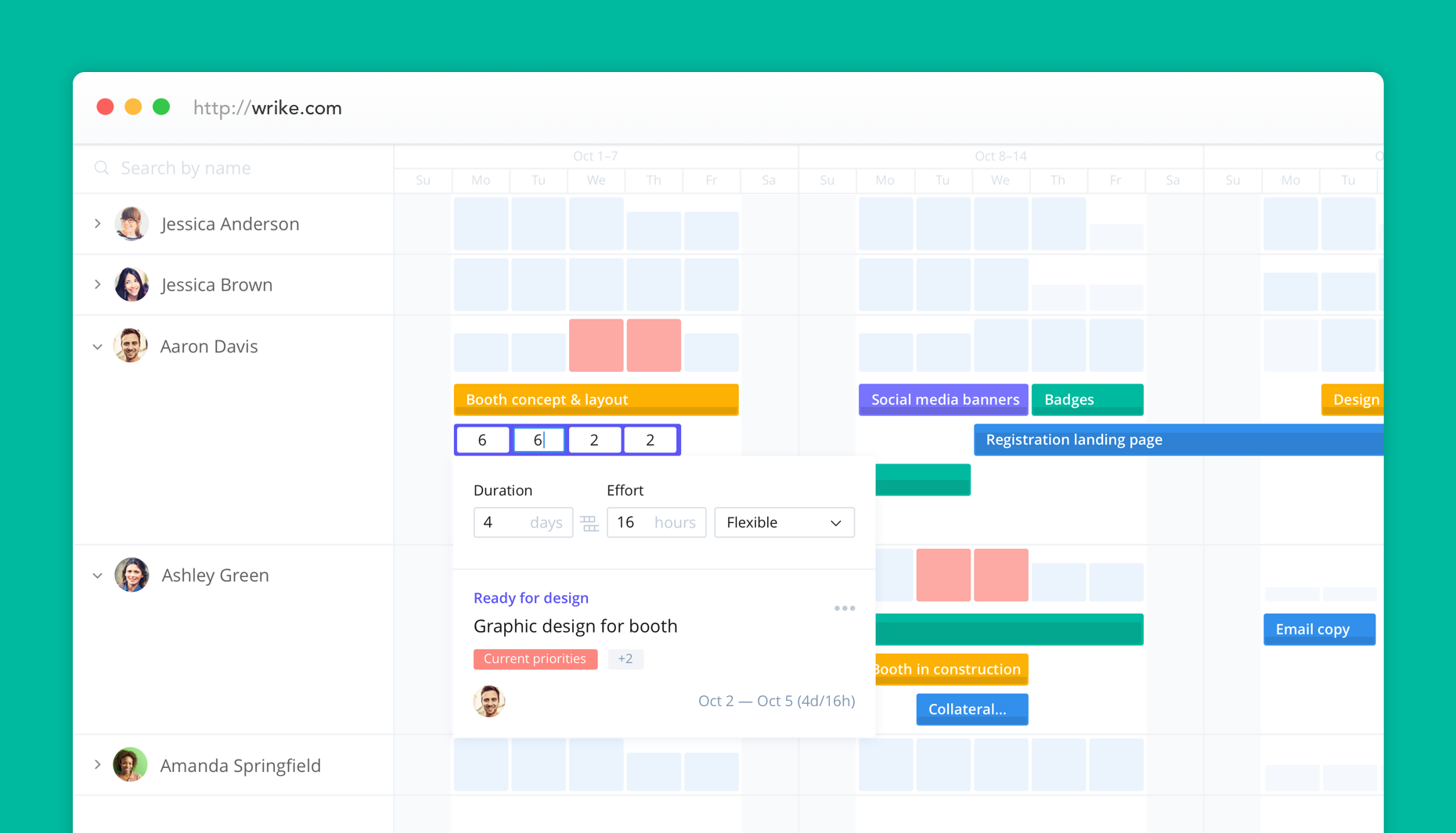
Wrike is a collaborative tool designed for agile teams that helps you build a streamlined digital work environment through custom request forms, Gantt charts, Kanban boards, and project management templates. With built-in review and approval features, the platform also lets you speed up decision-making across the company.
Key features:
- customizable platform
- Dropbox, Google Drive, and Microsoft 365 integrations
- task manager with Gantt charts
- workload management with Wrike Resource
- project management templates
- shared calendars
- custom performance reports
Drawbacks:
- number of users limited by the package chosen
- some modules are only available for an additional fee
- storage space limited by the version chosen
- more focused on project management than internal communication
- takes time to get the hang of
- vendor subject to the Cloud Act *
Pricing: starting at $9.80 / month per user. Free version and 14-day free trial.
14. Basecamp
The all-in-one project management tool for working remotely.
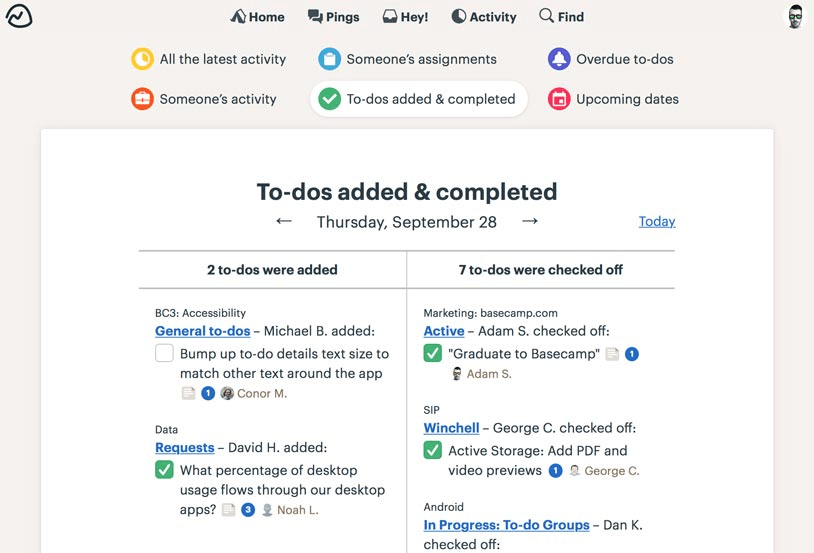
More than a project management tool, Basecamp lets teams of all sizes communicate and collaborate better day to day through chat, discussion groups, forums, to-do lists, calendars, and file storage.
Key features:
- creation, assignment, and tracking of shared tasks
- two separate spaces for formal announcements (Message Board) and informal discussions (Campfire)
- instant messaging, for team or 1:1 conversations
- a calendar built into each project
- document storage and sharing
Drawbacks:
- no tags or labels to organize projects and documents
- lack of customization options
- limited reporting features
- no budget planning feature
- vendor subject to the Cloud Act *
Pricing: $99 / month, with unlimited users and projects. Free version and 30-day free trial.
Collaborative intranets
15. LumApps
The social intranet solution that makes integrating your Google Workspace and Microsoft 365 tools easier.
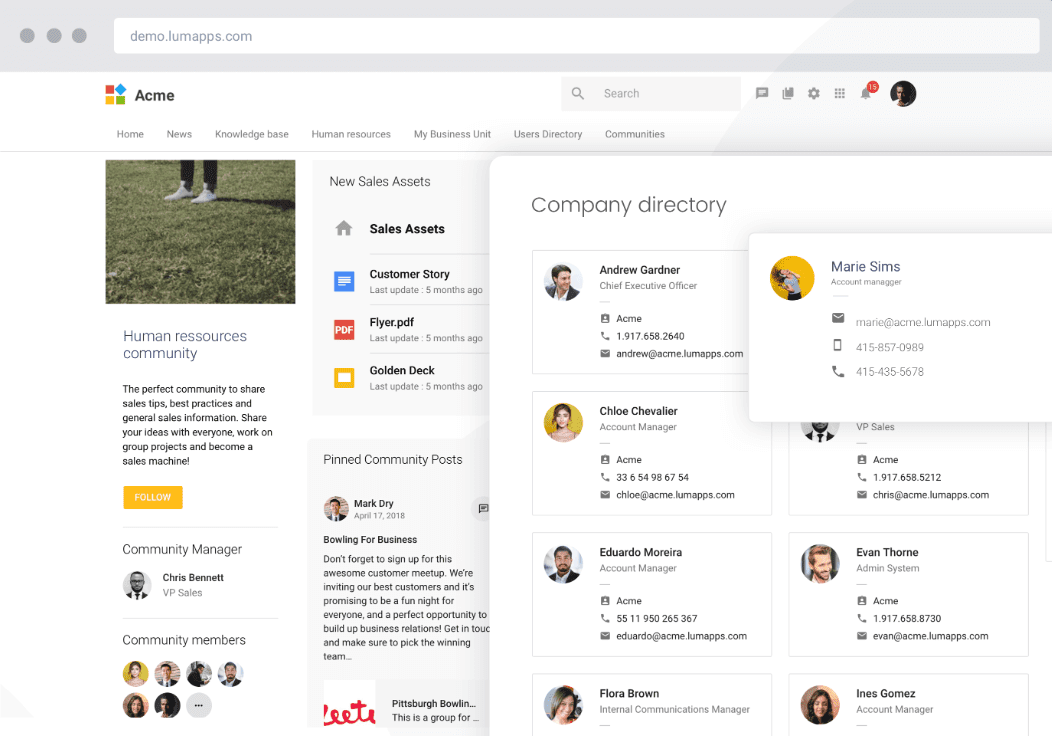
LumApps is a platform for all of your external and internal communications. A holistic intranet, social and collaborative, that integrates with your professional tools and apps (notably the Microsoft and Google suites).
Key features:
- interface customization
- assisted translation
- social features: posts, comments, likes…
- message sharing in public and private communities
- officially approved by Google
- native integrations with Microsoft 365 and Google Workspace
Drawbacks:
- no free trial available; pricing mostly on a quote basis
- more focused on project management and knowledge management than collaboration
Pricing: on a quote basis only
16. Jive AI
The ready-to-use intranet to connect your employees and build collective intelligence.
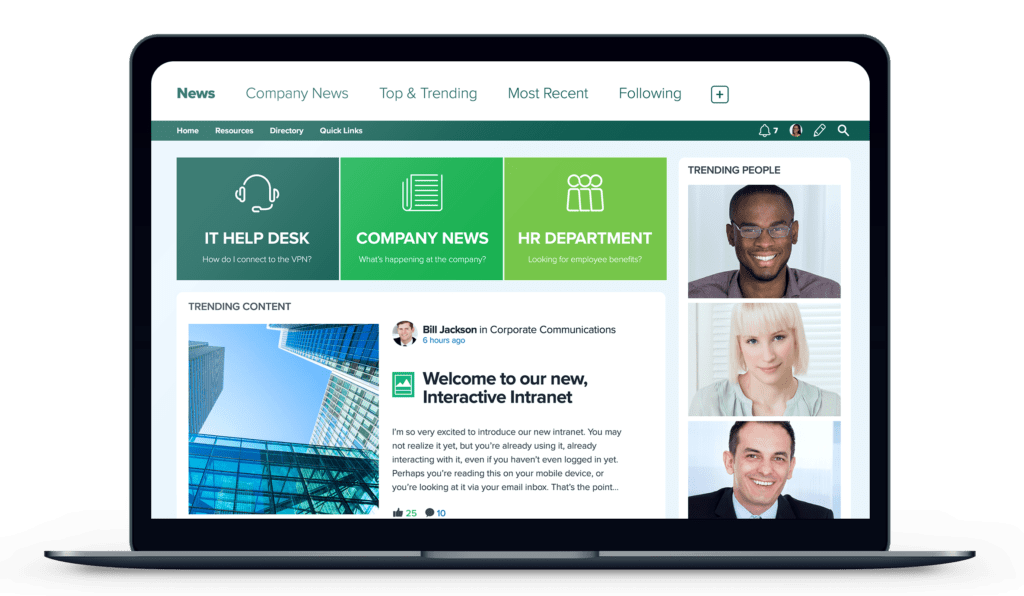
Jive is a collaborative intranet that boosts engagement and employee productivity. It includes several internal communication tools (home page, posts, news feed…) and employee engagement tools (polls, gamification, training, etc.). This intranet also lets you create multiple portals, so each team or department can access its own resources and news.
Key features:
- ready-to-use platform
- creation of groups, workspaces, and blog posts
- email integration (Gmail and Microsoft 365)
- gamification: creation of missions, competitions, and badges
- relevant content recommendations with PeopleGraph
- guest access for your partners and contractors
Drawbacks:
- fairly cluttered home page
- search feature that could be improved
- no free trial available
- deploying the platform can take time
- vendor subject to the Cloud Act *
Pricing: starting at $5 / month per user
17. Jostle
The collaborative intranet solution that boosts engagement and idea sharing.
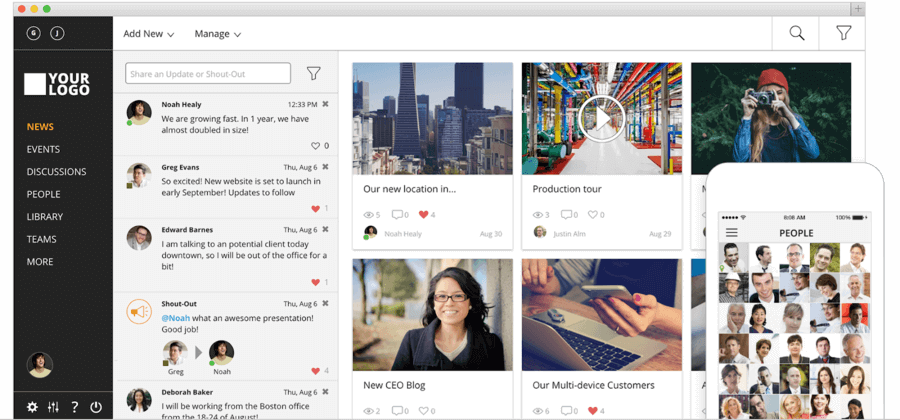
Jostle is a platform focused on employee engagement. This collaborative tool brings your company culture to life through several key features: information and document sharing, discussion groups, event scheduling, a directory, task management, and more.
Key features:
- ease of use
- publishing of announcements, polls, and articles
- task manager
- access to internal resources (org chart, directory, file library, etc.)
- event organization and promotion
- integrations with Google Workspace, Microsoft 365, and Slack
Drawbacks:
- vendor subject to the Cloud Act *
- lack of customization options
- integrations that need further development
- no email-free access
- analytics that could be improved
Pricing: starting at $4 / month per user, with a 14-day free trial
18. Happeo
The multilingual intranet built for Google Workspace users.
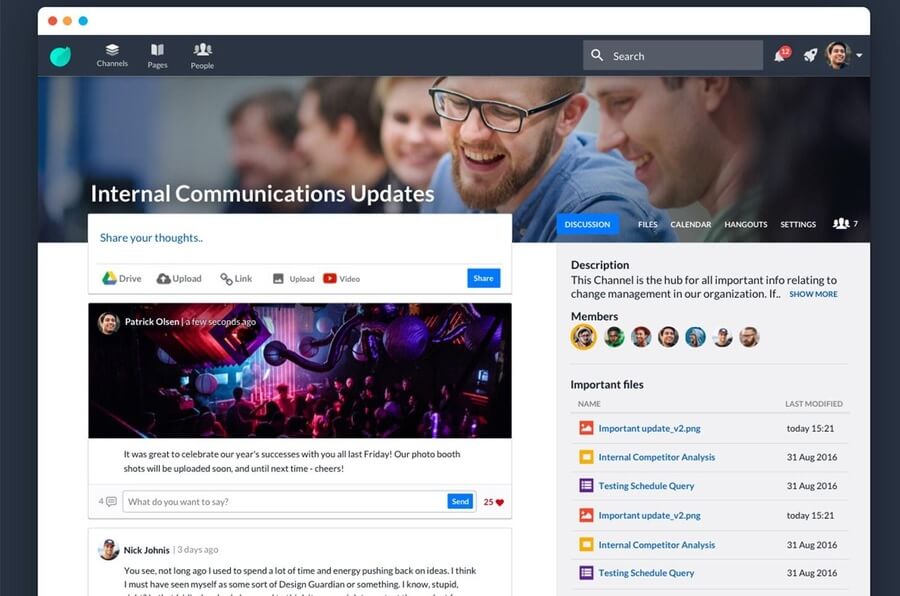
Happeo is a social intranet solution for the Google Workspace apps that streamlines communication and information sharing through a personalized news feed, dynamic pages, a directory, and several integrations. Users can also create communities to connect at any time.
Key features:
- Google Cloud partner (integration of all Google Workspace tools)
- smart search
- centralization of information: directory, org chart, employee profiles, files
- certifications: ISO 27001 & GDPR
- creation of dynamic, intuitive pages
- data hosted in Europe (Finland & Netherlands)
Drawbacks:
- no access or integrations available with Microsoft 365 or other collaboration tools
- your data must be stored on Google Cloud
- unsatisfactory usability
- limited analytics
Pricing: on a quote basis only, with a 7-day free trial
19. Whaller
The simple, complete, and secure collaboration solution to bring your organization together.
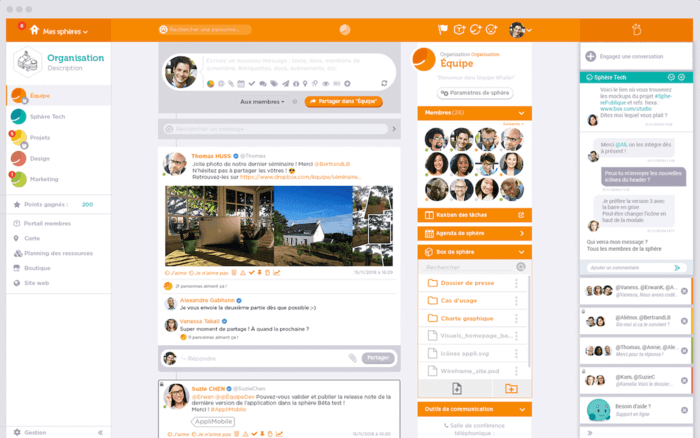
Whaller is a collaborative tool that helps companies, organizations, and nonprofits create their own secure internal social network. The platform is organized around spheres — discussion spaces sealed off from one another that let you exchange messages and documents.
Key features:
- fully customizable platform
- file storage and sharing
- a collaboration suite for co-editing documents within the platform
- data hosted in France
- motivation tools (badges, points, cards with built-in quizzes…)
- option to invite people outside the organization
- Kanban module that groups tasks by sphere
Drawbacks:
- unsatisfactory usability
- upload size limited by the plan chosen
- no live video
- mobile app that needs further development
Pricing: starting at €3 / month per employee, with a free version and a free trial period.
Team messaging apps
20. Microsoft Teams
The secure collaboration tool built into the Microsoft 365 suite.
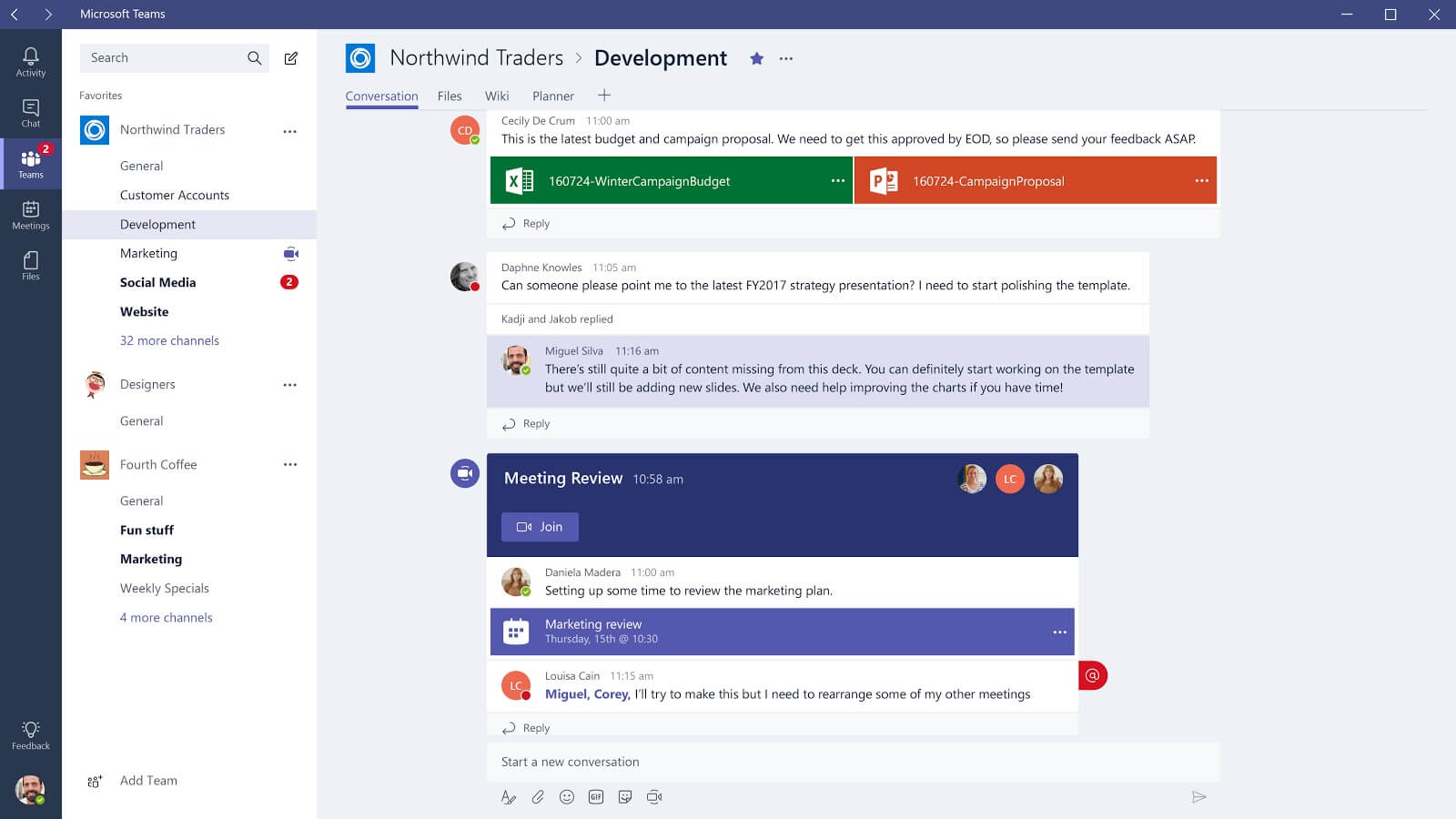
Microsoft Teams is a collaborative platform that makes teamwork easier through video conferencing, instant messaging, and file sharing. A tool to collaborate and communicate easily and securely with your colleagues.
Key features:
- instant messaging
- access to Microsoft 365 tools
- ability to connect a wide range of Microsoft devices
- document storage, sharing, and co-editing
- strongly geared toward ChatOps & teamwork
Drawbacks:
- limited access to internal resources (no directory or org chart)
- no email-free access available
- vendor subject to the Cloud Act *
- high pricing
Pricing:
- starting at €3.40 excl. VAT for Microsoft Teams Essentials, with a freemium version
21. Slack
The collaboration app that replaces your emails for greater productivity.
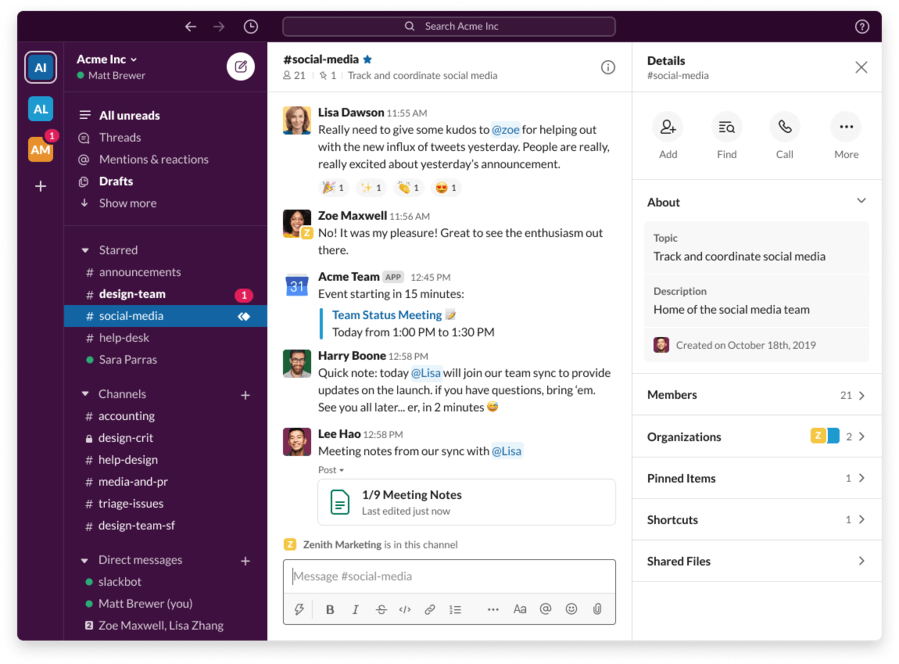
Slack is a collaboration platform that brings together people, relevant information, and the right tools to get projects done. Unlike Talkspirit, Slack is a platform geared specifically toward instant messaging, whether one-on-one or in groups. An easy-to-use tool that centralizes communication flows and connects with many collaboration tools.
Key features:
- instant messaging
- a market reference, particularly among developer teams
- document organization and storage
- many business-tool integrations
- smart, intuitive content search
Drawbacks:
- constant notifications
- high pricing
- an app designed mainly for startups
Pricing: starting at €6.25 / month per user, with a freemium version
22. Google Chat
The instant messaging app that simplifies one-on-one and group exchanges.

Google Chat is a collaborative messaging app that lets teams exchange private messages and chat in groups. Launched in February 2020, the app now replaces the Hangouts Chat.
Key features:
- private conversations and dedicated rooms for group discussions
- option to invite external users
- available on all devices: desktop, mobile, tablet
- integration with all Google Workspace tools
Drawbacks:
- reserved for Google Workspace customers
- vendor subject to the Cloud Act *
Pricing: free for Google Workspace users
23. Rocket.Chat
Your communication, simplified through team chat.
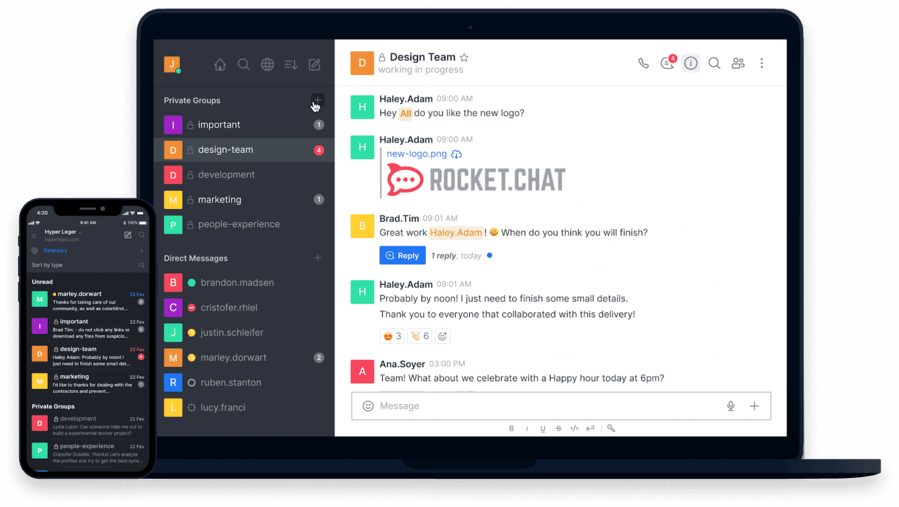
Rocket.Chat is a self-hosted communication tool that lets you exchange with your teams securely. Beyond chat, the platform offers video conferencing, audio conferencing, and file sharing features. A real alternative to email!
Key features:
- attractive pricing
- chat and video conferencing
- option to install the software on your own server
- an intuitive, pleasant design/UX
- integration of multiple apps
Drawbacks:
- a poorly functional mobile app
- focused mainly on instant messaging
- usable in English only (not available in French)
Pricing: starting at €7 / month per user, with a free version.
24. Mattermost
The secure communication platform, built for DevOps.
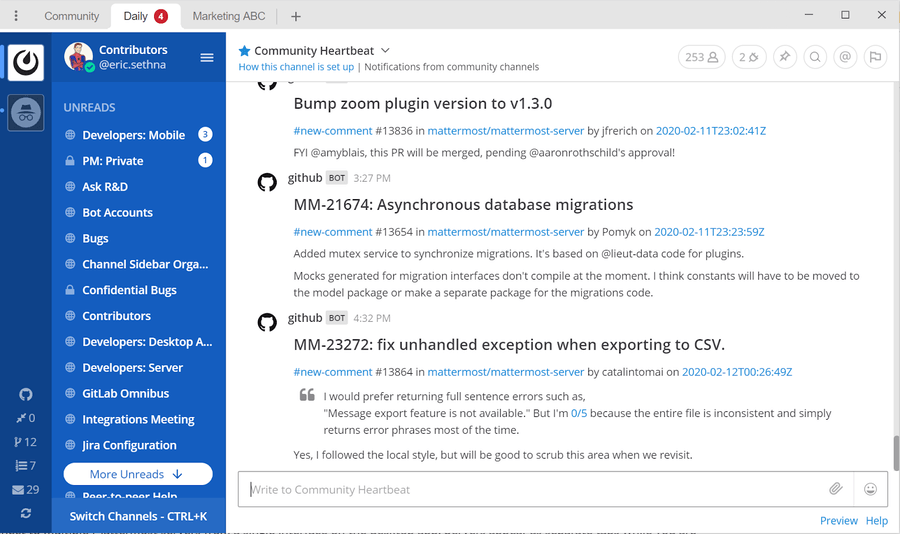
Mattermost is an open-source instant messaging solution that offers most of the features of Slack. Used mainly by DevOps teams, the platform lets you centralize all your communications and workflows through several key features: chat, groups / channels, video conferencing, file sharing...
Key features:
- instant messaging
- self-hosting
- file sharing and search across multiple devices
- many plugins and bots to boost productivity
- option to import your data from Slack
- unlimited storage
Drawbacks:
- limited number of integrations
- mobile app that needs improvement
- the app must be installed locally
- vendor subject to the Cloud Act *
Pricing: starting at $10 / month per user. Free version for small teams (fewer than 10 people).
File storage and sharing tools
25. Google Drive
Google’s cloud solution to store and share your files securely.
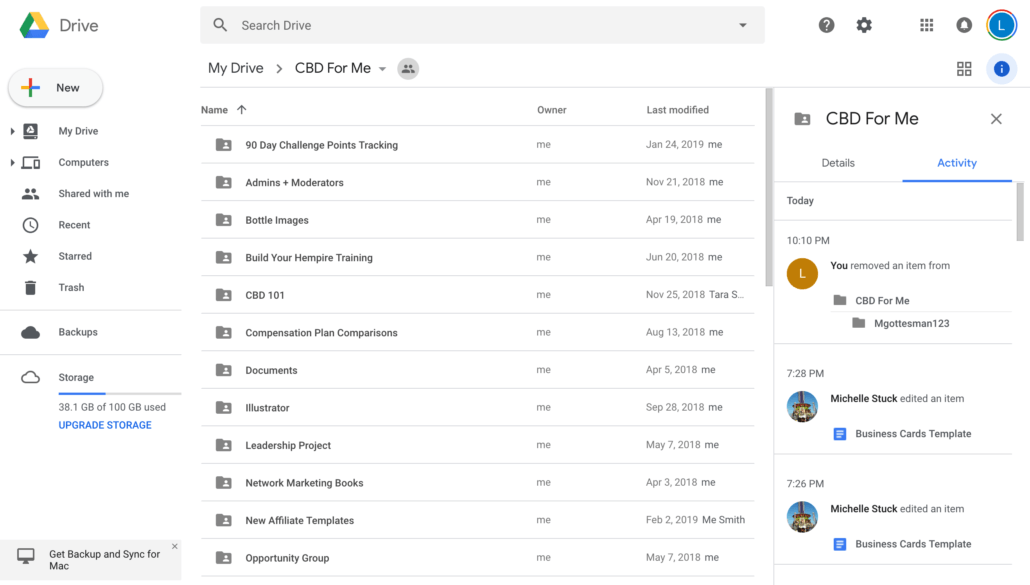
Google Drive is a file storage and sharing service that lets you create documents, spreadsheets, and presentations, and collaborate with colleagues in real time. The app is now part of Google Workspace (formerly G Suite).
Key features:
- creation and sharing of all file types (audio, video, image, Microsoft, etc.)
- access to your files on any device
- built-in search engine
- optical character recognition (for scanned documents)
- compatible with all devices
Drawbacks:
- requires a Google Workspace subscription
- storage space depends on the plan chosen
- vendor subject to the Cloud Act *
Pricing: starting at €4.68 / month per user on the Business Starter plan. Free version with 15 GB of storage
.
26. Dropbox
The smart workspace that brings all your tools and documents together in one place.
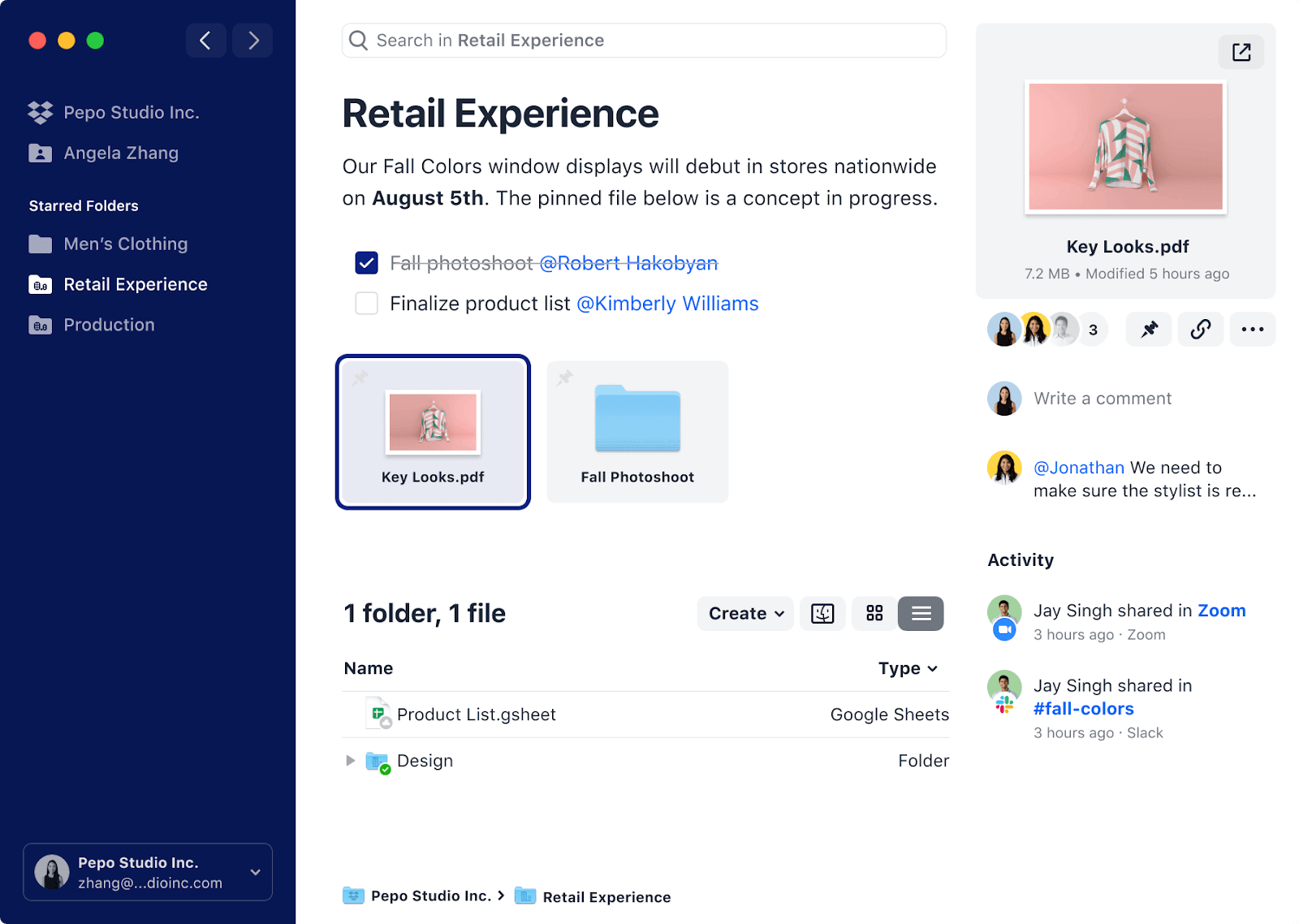
More than just storage space, Dropbox integrates the tools you use every day to help you boost productivity. The platform lets you create, store, share, and sync files online and across all your devices, and find them quickly through smart suggestions.
Key features:
- file sharing with your team, clients, or suppliers
- three access types: public, shared, or private
- automatic file backup
- personalized suggestions
- online or local storage
- integration of collaboration and productivity tools: Slack, Trello, Asana, Zoom, and more
Drawbacks:
- limited storage on the free version
- vendor subject to the Cloud Act *
Pricing: starting at €12 / month per user (for at least 3 users), with a free version and a 30-day free trial
27. OneDrive
The storage space that lets you access your files from any device, wherever you are.
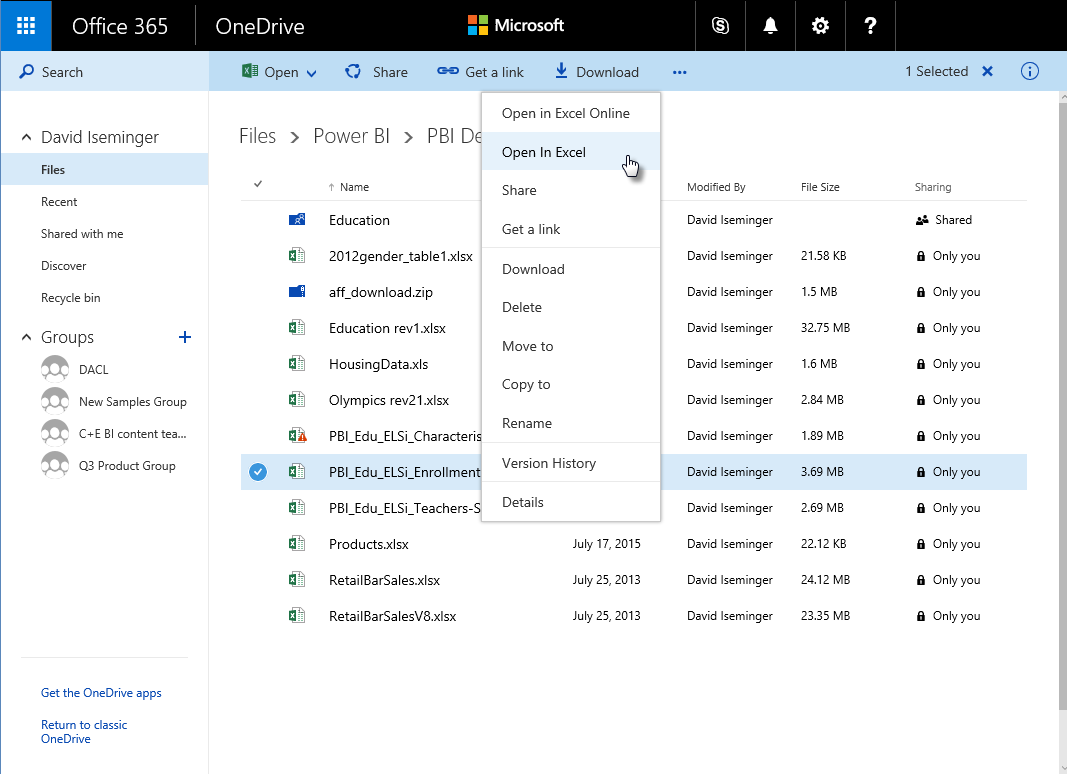
OneDrive is Microsoft’s online storage space that connects you to all your professional files. The solution lets you store, view, edit, and share your files securely, and access them across all your devices.
Key features:
- files available on demand in the cloud
- document scanning
- offline file access
- selective document syncing
- access rights management and control
- built-in version history
- co-editing of Office files online and across your devices
Drawbacks:
- not well suited to storing large files and documents
- storage limited to 5 GB on the free version
- vendor subject to the Cloud Act *
Pricing: starting at €4.20 / month per user, with a free version and a 30-day free trial of the premium version.
28. WeTransfer
The online service to share and send large files.
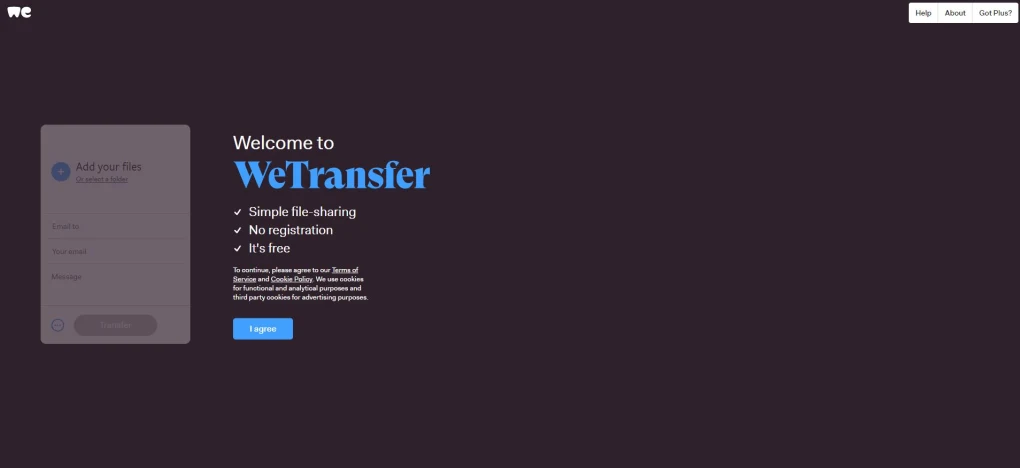
WeTransfer is the go-to platform for sending large files. The service is free to use, with no sign-up or login required, and lets you share your files with a simple drag and drop. The share link can then be sent to an unlimited number of people.
Key features:
- ability to send up to 20 GB of files
- 1 TB of storage
- access control and password protection
- transfer management and download tracking
- creation of your own pro page and custom URL
Drawbacks:
- no way to send more than 2 GB of files on the free version
- transfers expire after 7 days on the free version
- vendor subject to the Cloud Act *
Pricing: €12 / month per user for the Pro version, with a free version
Office suites
29. Microsoft Office
The must-have tool for all your office work.
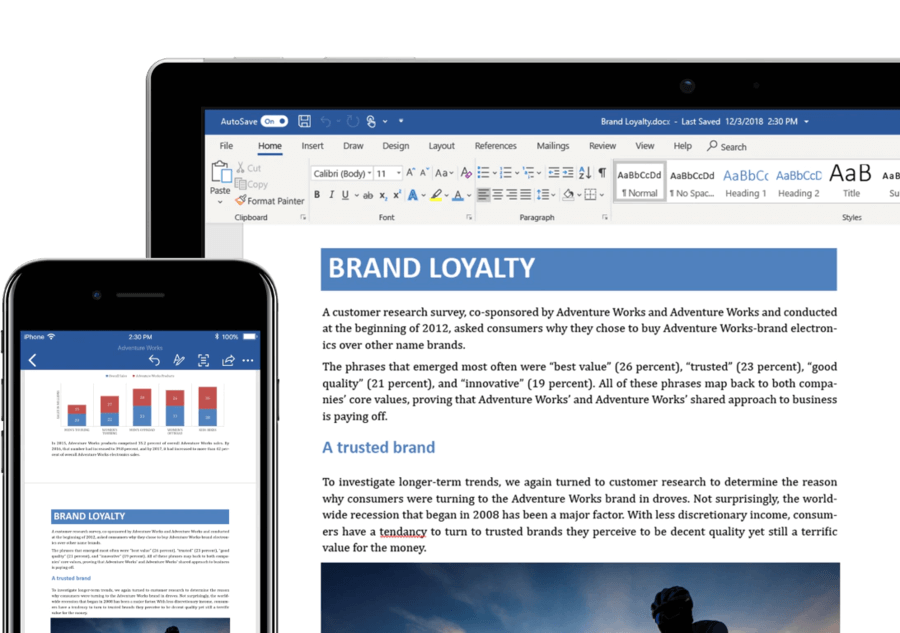
Microsoft Office is an office suite that includes Word, Excel, Publisher, Outlook, PowerPoint, OneNote, and Access. These apps let you do word processing, build spreadsheets, manage tasks, send emails, create presentations, take notes, and much more.
Key features:
- familiar user experience
- available on PC, Mac, online, and mobile
- creation of text documents, spreadsheets, presentations, databases, and communication materials
- personal email and calendar
- note-taking with automatic saving of changes
Drawbacks:
- free version available online only
- vendor subject to the Cloud Act *
- requires a Microsoft 365 subscription to access the apps
Pricing: starting at €4.20 / month per user for the Business Basic version, with a 30-day free trial.
30. Google Docs
The document editor for working as a team.
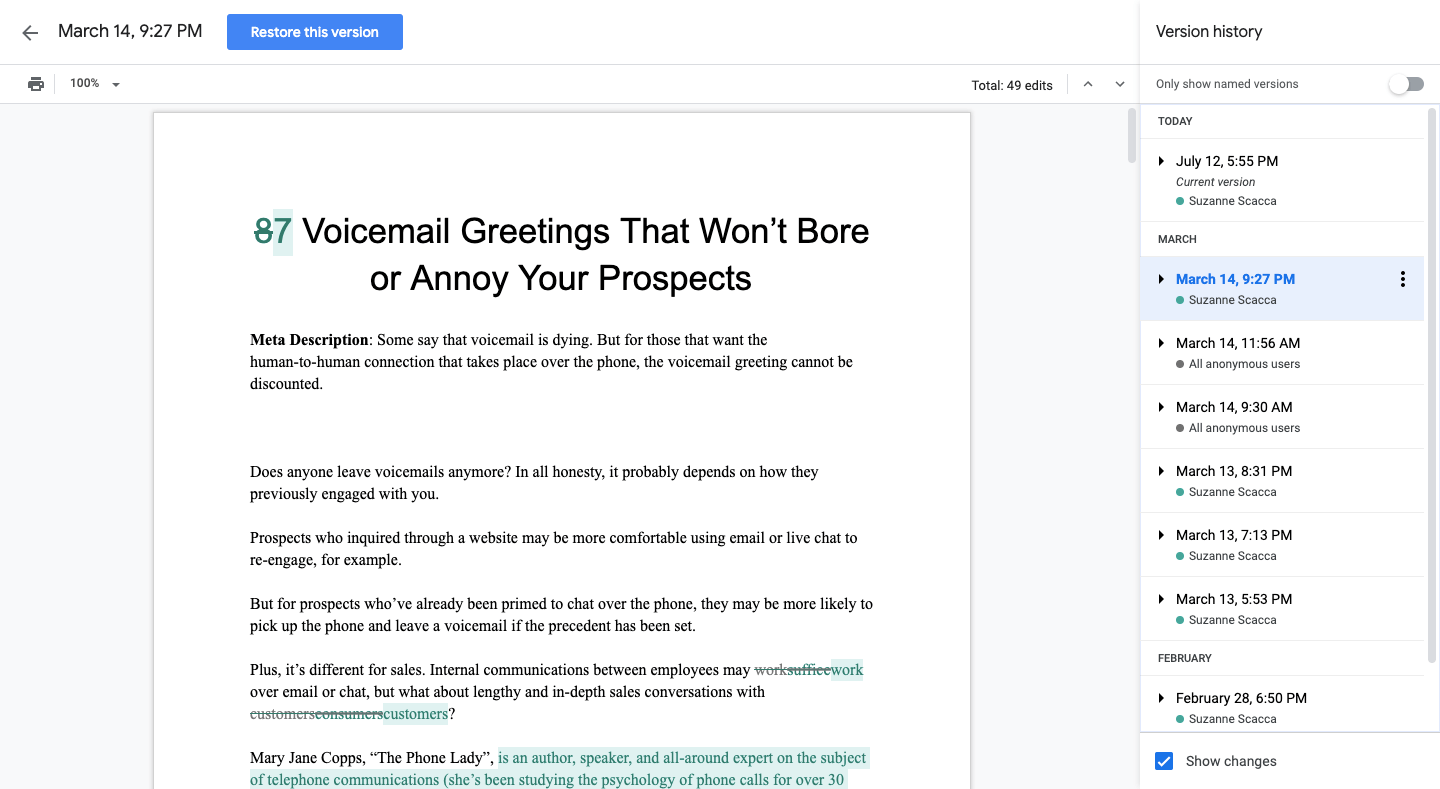
Google Docs is a word processing app that lets you create and edit text documents online, on your own or with others — both team members and people outside your company. The app is part of the Google Workspace collaboration suite.
Key features:
- creation, sharing, and co-editing of text documents with others right in your browser
- comments, chat, and real-time editing
- unlimited version history
- offline mode in Chrome
- compatible with Microsoft Word and PDF
- automatic saving of changes
Drawbacks:
- storage limited to 15 GB on the free version
- requires a Google Workspace for Business subscription
- vendor subject to the Cloud Act *
Pricing: free for individuals. Starting at €4.68 / month per user for businesses, with a 14-day free trial.
31. OnlyOffice Docs
The all-in-one suite for collaborating on shared documents
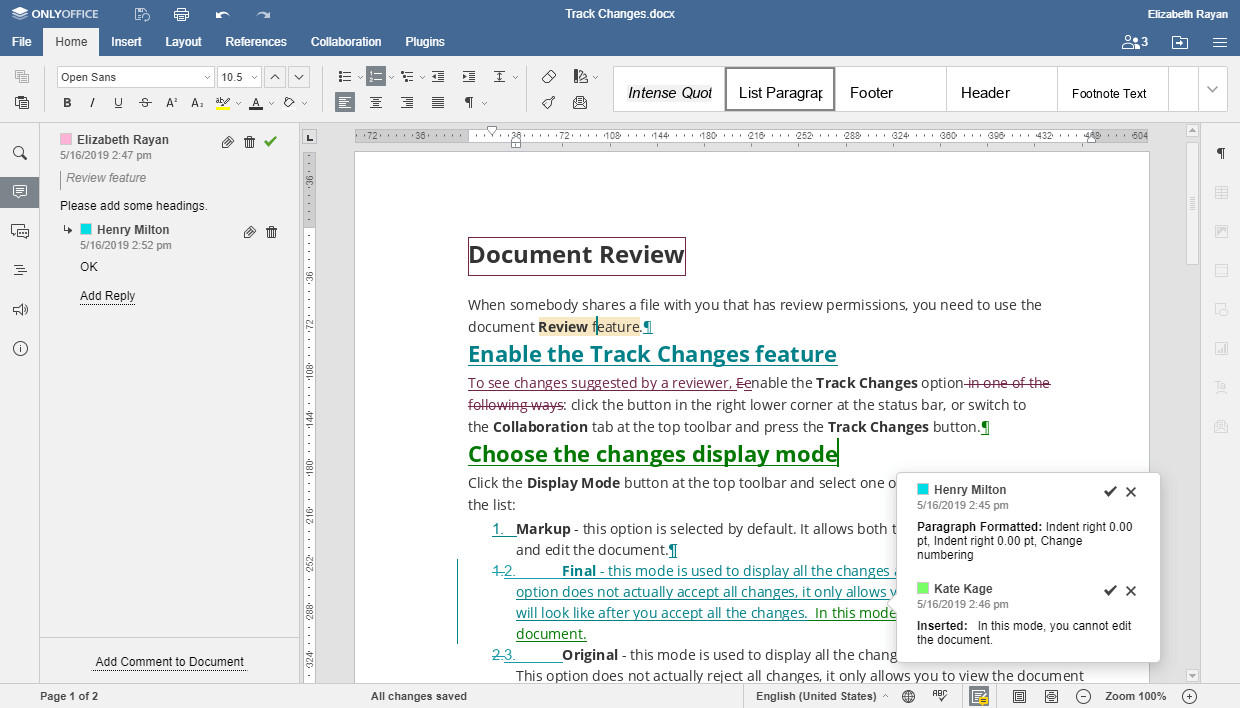
OnlyOffice Docs is an open-source online office suite that lets you create and co-edit text documents, spreadsheets, and presentations with others, on any device. All the apps are compatible with Microsoft formats.
Key features:
- a tabbed user interface that lets you work on several files at once
- available in the cloud and on-premise
- version history, change tracking, comments, and document comparison
- several review and co-editing modes
- 100% European hosting
Drawbacks:
- maximum of 20 simultaneous connections on the free version
- no more free updates one year after the purchase date for the premium version
- no monthly subscription: annual or lifetime licensing only
- deployment can take time
Pricing: free version for up to 20 users. Enterprise version starting at €1,020 for 50 simultaneous connections. 30-day free trial of the premium version.
Brainstorming tools
32. Klaxoon by Wrike
The collaborative toolkit to make your meetings more effective and interactive.
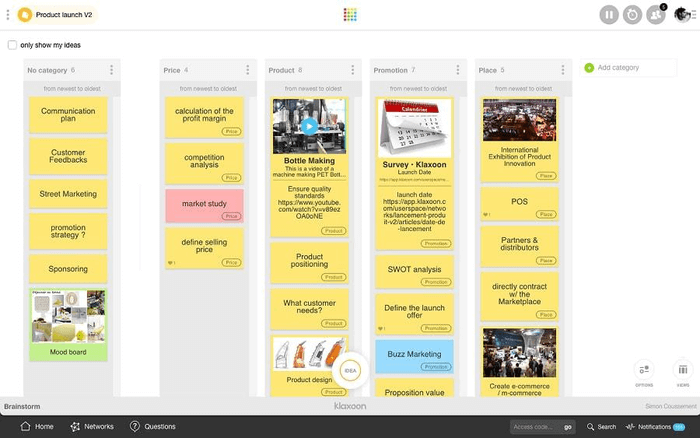
Klaxoon is a tool designed to make running meetings and training sessions easier (on-site or remote) by boosting employee participation and sparking the exchange of ideas through brainstorming activities, quizzes, word clouds, and even challenges. Accessible from any device, the tool takes a fun, hands-on approach that brings meetings to life and unlocks employees’ creativity.
Key features:
- creating brainstorms from a Board (a virtual whiteboard) where virtual sticky notes are added
- hundreds of ready-to-use Board templates
- integration with Teams, Meet, Skype, Zoom, and Webex
- creation of fun activities: adventures, missions, and content capsules
- gathering feedback through polls
- visual reports downloadable as PDF
- no installation required
Drawbacks:
- limited features on the free version: no integrations, no data import/export, no access to polls, capsules, quizzes, adventures, or missions…
- limited storage depending on the plan chosen (5 GB on the Board version)
Pricing: starting at €9.90 / month per organization. Free version and 30-day free trial of the premium version.
33. Stormboard
The collaborative tool that makes brainstorming simple.
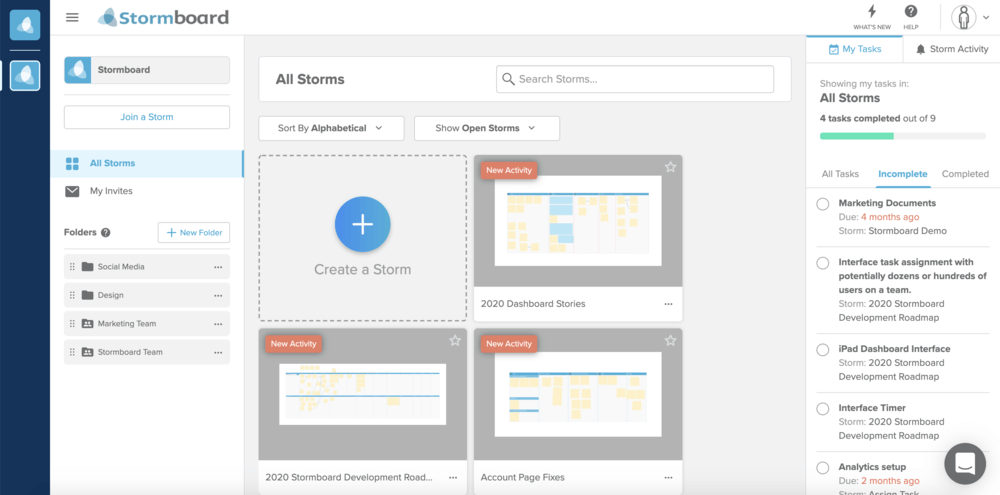
Stormboard is a brainstorming and project planning tool that lets you map out and organize your ideas on a digital collaborative board. The tool lets several people work on the same board in real time, and also add comments, chat, or vote on ideas. It can be used on PC, Mac, mobile, and tablet.
Key features:
- gathering ideas into groups
- real-time co-editing of Word, PowerPoint, and Excel documents, and export of detailed reports in those same formats
- task creation and assignment, goal and milestone setting, project tracking
- over 200 smart templates
- integrations with Microsoft 365, Slack, Dropbox, and Zapier
- data security: 256-bit SSL encryption
Drawbacks:
- limited storage depending on the version chosen
- free version limited to 5 brainstorming boards and 5 users per board
- available in English only
Pricing: starting at $5 / month per user, with a free version and a 30-day free trial
34. Mindmeister
The collaborative mind mapping tool to create, visualize, and share ideas.
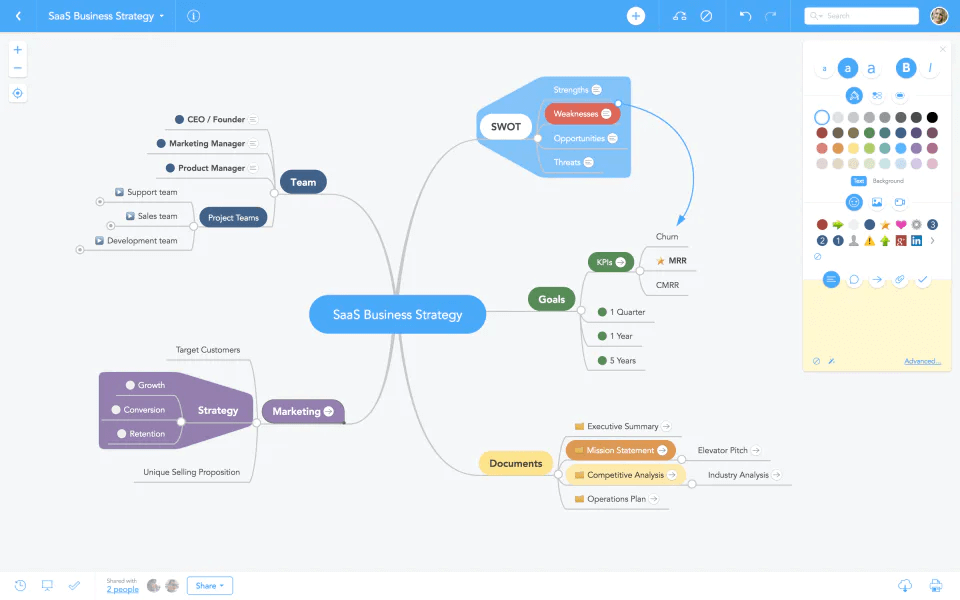
MindMeister is an online mind mapping tool that lets you capture, develop, and share ideas visually. The platform can be used for meetings, brainstorming, project planning, knowledge management, or even note-taking.
Key features:
- creation and sharing of mind maps with customizable design
- adding images, videos, notes, links, and comments
- a template library
- view of the change history of your mind maps
- integrations with Google Drive, Teams, Dropbox, and MeisterTask
- creation of online presentations
Drawbacks:
- export options limited by the plan chosen
- free version limited to 3 mind maps
- few integrations
- no monthly pricing: a minimum 6-month subscription is required
Pricing: starting at €4.99 / month per organization (billed annually). Free version and a free trial of the premium version.
35. Coggle
The online tool to share complex information simply.
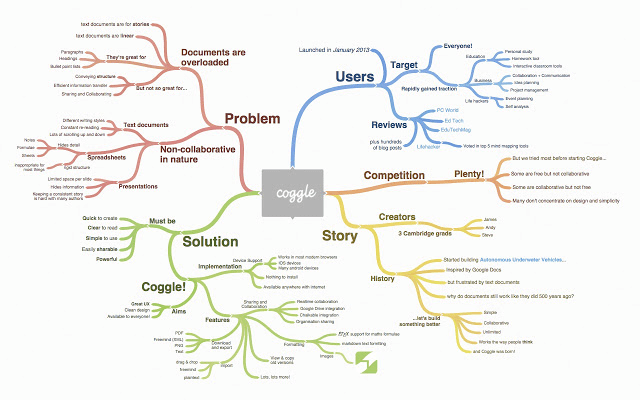
Coggle is a cloud-based mind mapping solution that makes complex information easier to understand and organize. The tool lets you create mind maps and diagrams, which can then be shared privately or publicly with anyone.
Key features:
- real-time mind map creation with others
- unlimited image uploads
- automatic branch arrangement
- automatic saving and a full change history
- embedding of diagrams and mind maps on any web page
- integrations with Slack and Teams
Drawbacks:
- free version limited to 3 private diagrams
- no mind map templates
- works only with Chrome (via an extension)
- limited design
Pricing: starting at $5 / month per organization, with a free version
*Cloud Act : a US federal law on the surveillance of personal data, enacted in 2018, that requires US service providers to hand over, on request from federal authorities, all stored data — regardless of where the servers are located (even in the EU) (Source: Wikipedia)
- - - - - - - -
Now it’s your turn :)
As we’ve seen, all collaboration tools are different — in their features, their look, and their usability.
Choose the one that will help your employees the most. Many of these platforms offer demos, so don’t hesitate!
FAQ
The 35 solutions are grouped by category: collaboration suites, project management tools, collaborative intranets, team messaging apps, file storage and sharing tools, office suites and brainstorming tools. Each entry lists key features, drawbacks and pricing.
A collaboration suite such as Talkspirit bundles chat, video conferencing, groups, document sharing and co-editing, polls and checklists. Unlike Talkspirit, Slack is a platform geared specifically toward instant messaging, whether one-on-one or in groups.
Talkspirit hosts data in the EU with Cloud Temple, while Wimi and Whaller host in France. OnlyOffice Workspace and OnlyOffice Docs claim 100% European hosting, whereas Monday states that its data is hosted in the United States.
The Cloud Act is a US federal law on the surveillance of personal data, enacted in 2018, that requires US service providers to hand over all stored data on request from federal authorities, regardless of where the servers are located.
The project management category gathers Monday, Wimi, Trello, Asana, Confluence, Wrike and Basecamp. Monday lets teams of all sizes plan and complete their tasks in one place, with shared or private boards and automated actions.
Four brainstorming tools are listed: Klaxoon, Stormboard, Mindmeister and Coggle. Stormboard is available in English only and Coggle works only with Chrome, via an extension, while Klaxoon limits its free version heavily.