Talkspirit Launches an Internal Newsletter Module
.svg)
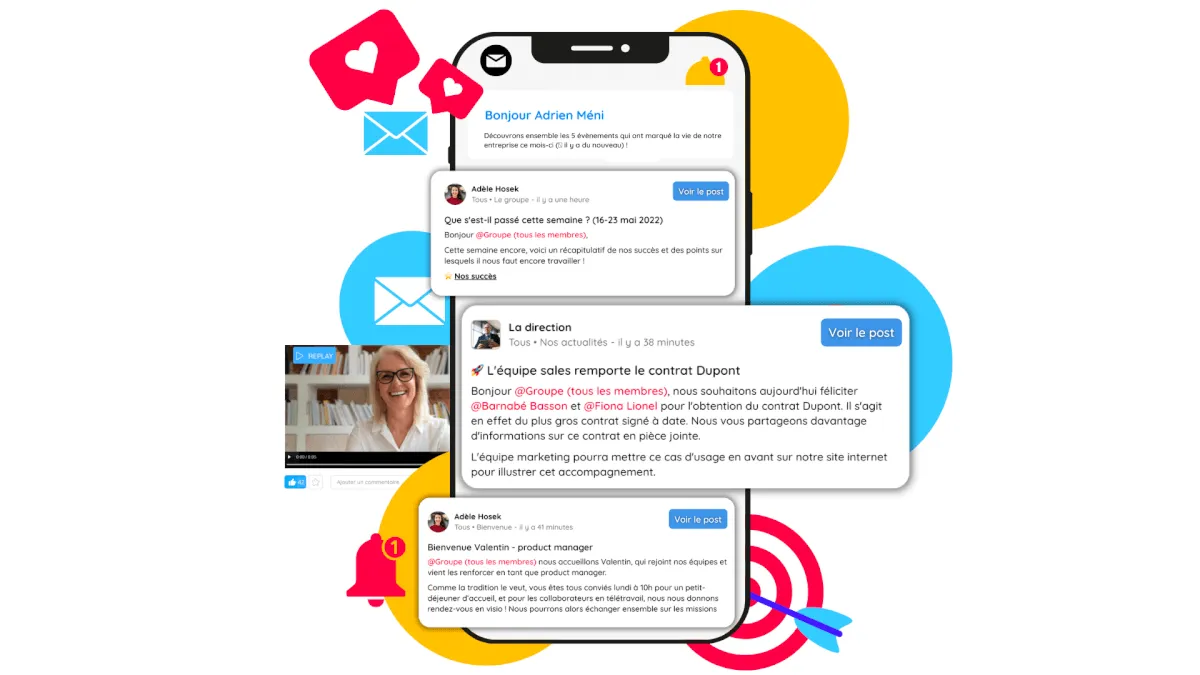
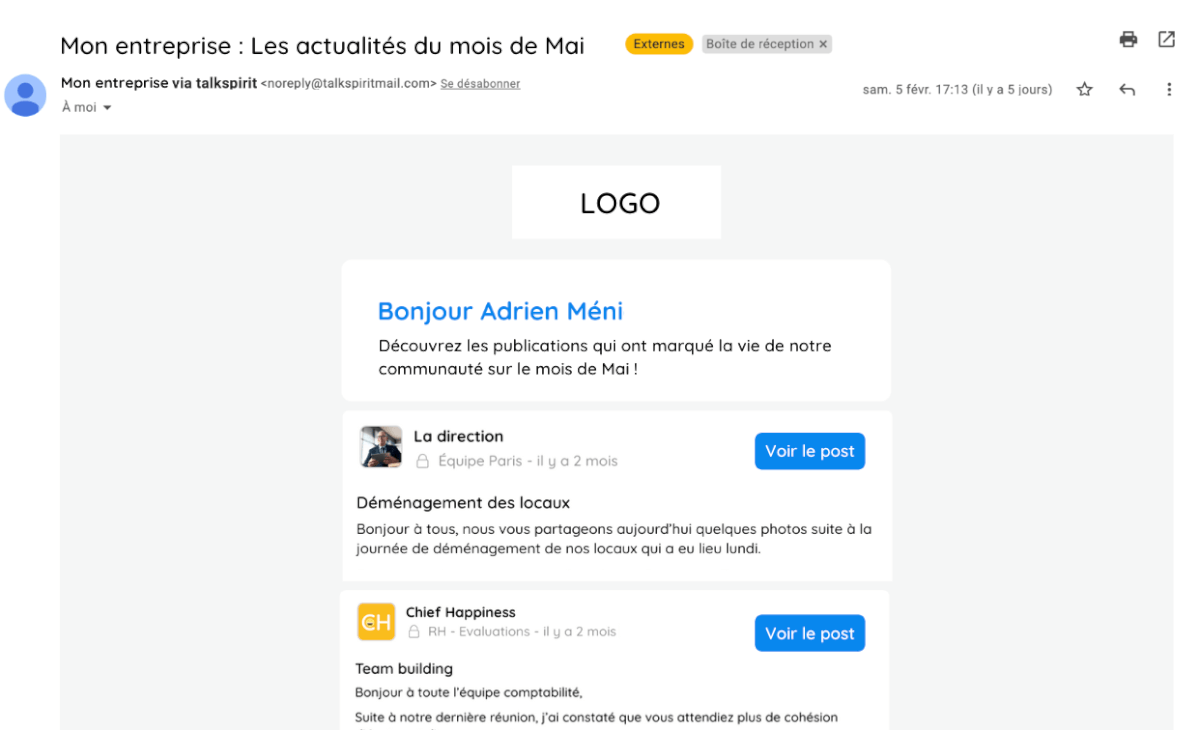
Brand new: an internal newsletter module is now available on Talkspirit! A powerful asset for internal communications, this feature lets you send your employees a personalized email summarizing content shared on Talkspirit.
This newsletter can also help you improve user retention on your platform and encourage people to use Talkspirit more often, by highlighting posts shared by your teams.
Here's a look at what's possible with this new module.
Share Important Updates by Email
Need to communicate about upcoming events? Highlight new team members? Share a piece of industry news? In addition to posting on your news feed and welcome portal, you can now do it by email with our internal newsletter!
Accessible from the Administration section, the newsletter lets you send an email digest of the most important posts and updates shared across each of your groups. The goal: make sure your employees never miss anything important.
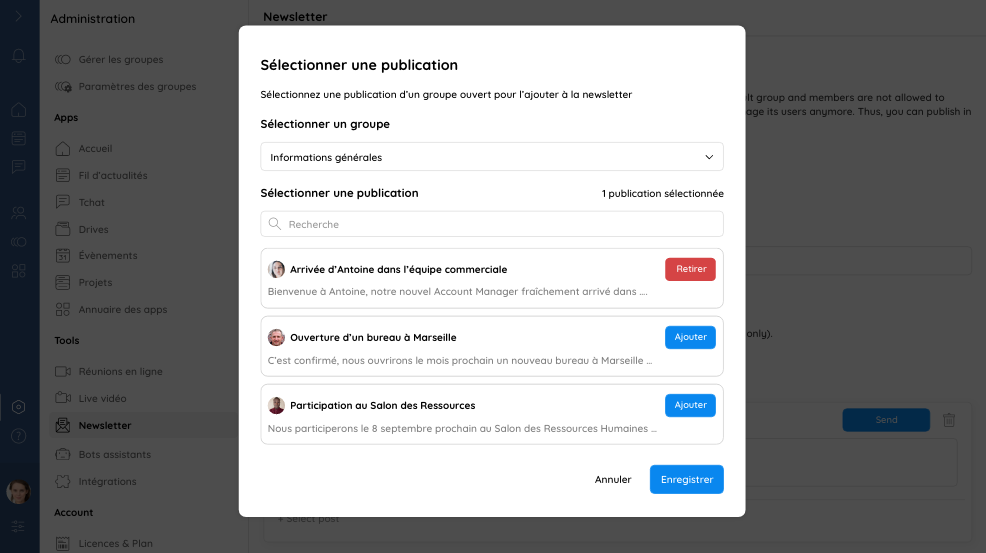
Boost Content Visibility
The internal newsletter is also a great way to give more visibility to content shared on your Talkspirit platform—especially posts that some employees may have missed. With one click, each member can access their colleagues' posts and stay on top of everything shared on the tool.
Assign Managers
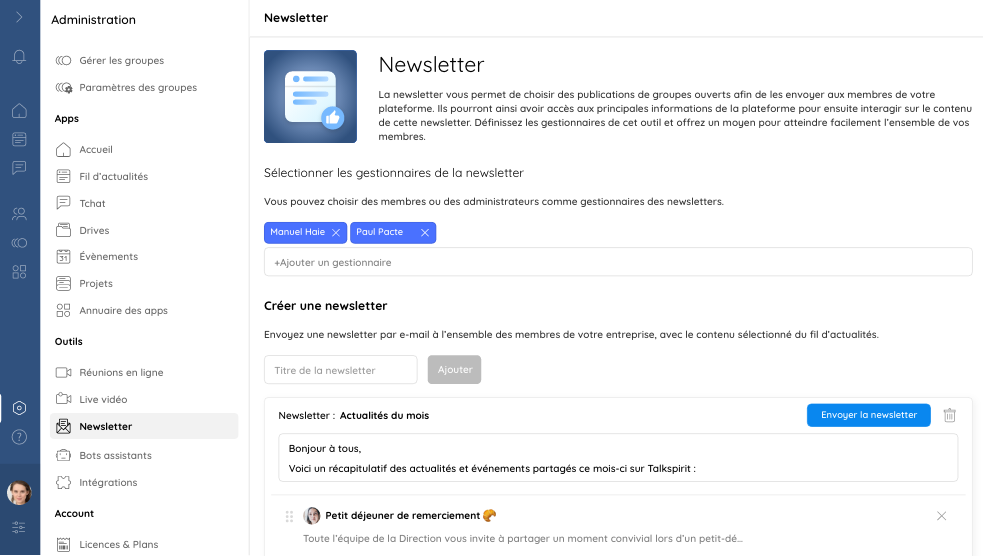
Need help managing your internal newsletter? No problem: you can assign managers who can create, edit, and send emails alongside you.
Email content is automatically saved on Talkspirit and accessible to all managers in real time (even in draft mode)—making it easy to collaborate seamlessly as a team.
Each manager can also access the newsletter open rate (i.e., the percentage of recipients who opened the email), so they can check whether employees have actually read the information sent to them.
6 Best Practices for Your Internal Newsletter
Want to use our newsletter module in your organization? Here are a few best practices to set it up for success:
- Think about the content you want to highlight in your newsletter
- Only include the posts you consider most important (aim for a maximum of 10)
- Customize the intro message of your newsletter (the text displayed before the selected posts)
- Make sure to send your newsletter on a consistent schedule (for example, weekly or monthly)
- Announce the launch of your newsletter by creating a post on Talkspirit and featuring it on your welcome portal
- Track the open rate of your emails to gauge how well your employees are reading the newsletter
Read also: Internal communication tools for a multi-site organisation
*
* *
You now know all the features of our internal newsletter module, as well as our best practices for rolling it out in your organization.
Want to see the newsletter in action? Schedule a demo with our team:
–
Author: Emmanuelle Abensur